When Should Technicians Log Changes on a Show?
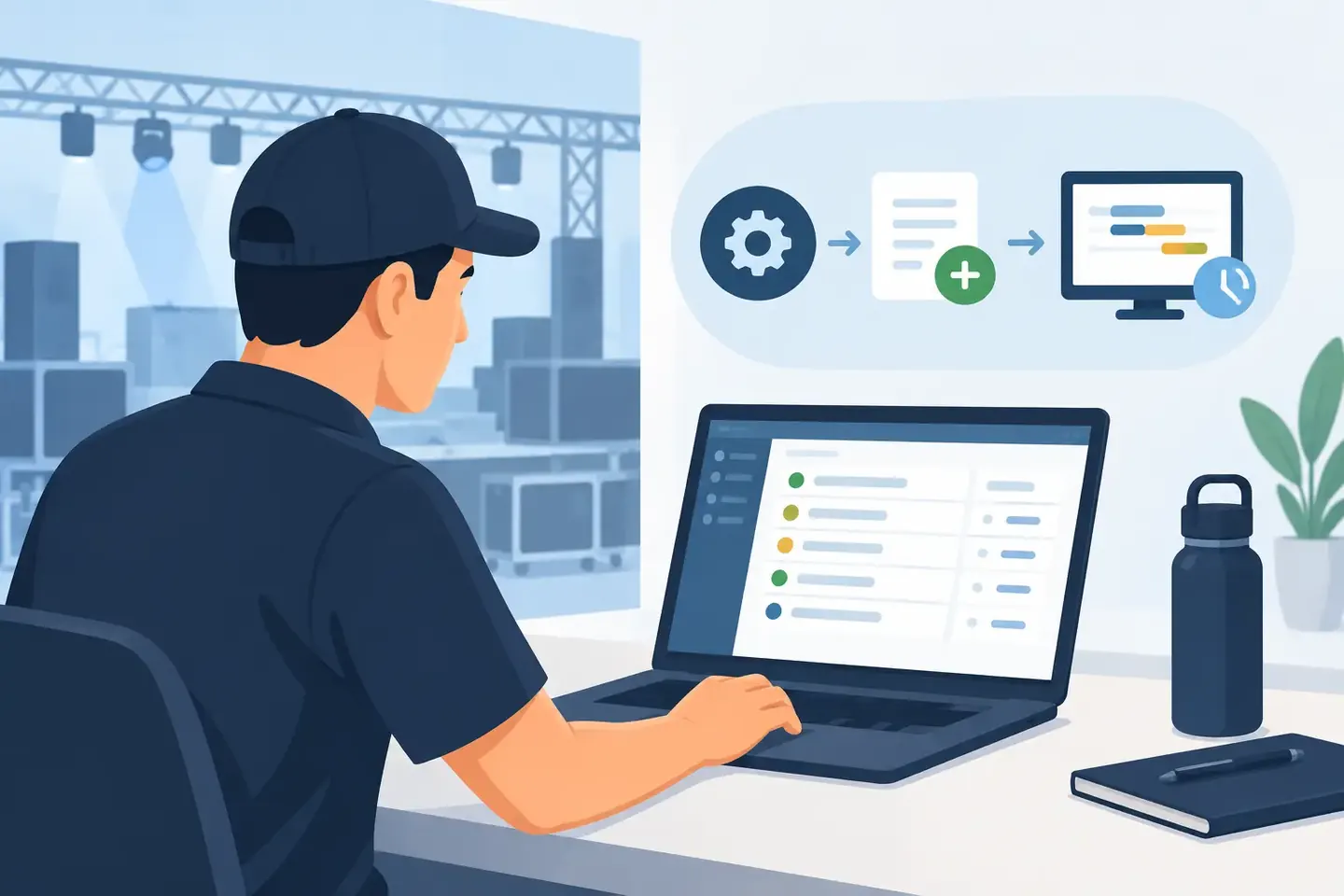
A monitor engineer changes an input gain during line check. A broadcast technician moves a source to a backup router input. A system tech adjusts DSP limiting after finding a problem in the room. None of these changes takes long. Finding them the next day can take an hour. So, when should technicians log changes? Log them when they alter how the system behaves, how another person can operate it, or how you will need to rebuild it.
The useful rule is not “document everything.” That sounds responsible and fails under show pressure. The rule is to capture changes while the context is still obvious and before the change becomes invisible. A good log protects the next operator, the next call, and the version of you trying to remember why channel 17 is different from every other channel.
When Should Technicians Log Changes During Production?
Log a change as soon as it crosses from a temporary action into an operational decision. That may be before doors, during rehearsal, at intermission, after a fault, or during strike. The timing depends on risk and pace, but the trigger stays the same: would someone need this information to reproduce, troubleshoot, or safely reverse the change?
A fader move for one song usually does not belong in permanent documentation. A new DCA assignment because the production added an opener does. Muting a noisy channel for thirty seconds is a live operating move. Repatching that channel to a spare input, changing phantom power, or inserting a gate to control the issue is a configuration change worth recording.
The difference matters. Live crews do not need more admin work. They need a record that explains the system they inherit.
Log before a handoff
The best time to log a meaningful change is before someone else takes the system. That includes shift changes, relief operators, venue technicians taking over a touring package, or a production manager asking a different crew to reset the room tomorrow.
Handoffs fail when the only explanation is verbal: “I changed a few things.” That leaves the incoming technician to compare screens, trace patching, and guess what is intentional. A short record with the device, location, change, reason, and expected result removes that uncertainty.
For example: “FOH console, scene 12: moved presenter playback from local input 31 to stagebox B16 after local tie line failed. Updated channel label and routing. Verify B16 at next load-in.” That is enough to act on. It does not require a novel.
Log immediately after a workaround
A workaround is a strong documentation trigger because it often survives longer than planned. A spare converter gets substituted. A failed network port is bypassed. An RF receiver is moved to a different antenna distro output. A video source is routed around a bad scaler input.
In the moment, everyone knows why it happened. Two weeks later, the workaround looks like a mistake. The original fault may be gone, but the workaround remains and creates a second problem.
Record both parts: what failed and what was changed to keep the show moving. If there is a follow-up action, state it clearly. “Temporary” is not enough. Temporary equipment and routing have a way of becoming permanent when they are not tracked.
Log changes before saving or recalling scenes
Scenes, snapshots, presets, and show files can preserve valuable work or spread a bad decision quickly. Before saving over a known-good baseline, capture what changed and why. This is especially important when the adjustment affects routing, patching, head amp control, processing shared across scenes, or any setting that can surprise another operator.
Not every scene update needs a separate report. But a scene that changes microphone gain structure, matrix feeds, recording sends, talkback routing, playback integration, or safety processing should have a traceable note. The note is often more valuable than the scene name, because “Final v3” tells no one what is inside.
Screenshots and console photos help here, particularly when paired with a short operational note. A photo shows the state. The note explains the decision.
What Changes Need a Record?
Prioritize changes that affect signal flow, safety, repeatability, and fault isolation. Those are the categories most likely to cost time or create risk when they are forgotten.
Signal-flow changes include physical repatching, input-source changes, bus assignments, direct outputs, matrix feeds, network subscriptions, router crosspoints, and record feeds. If audio, video, control, or data now travels by a different path, log it.
Safety-related changes deserve immediate attention. This includes phantom power, amplifier or processor limiting, speaker-zone routing, emergency paging integration, generator or power-distribution changes, intercom paths used for show-critical communication, and any bypass affecting protection or redundancy. These are not details to leave in a chat thread.
Repeatability changes include console scenes, DSP presets, camera shading references, lighting focus updates, encoder profiles, and device settings that must be recreated on a recurring event. If the setup is likely to return next week, next season, or on the next tour stop, preserve it while it is correct.
Fault-isolation changes are the ones that make future troubleshooting faster. Log the symptoms, the affected path, the test that confirmed the issue, and the corrective action. “No audio from lectern mic” is not enough. “Lectern mic had intermittent XLR at floor pocket 4. Moved to floor pocket 6 and patched to stagebox A12. Replace or test pocket 4 before next event” gives the next tech a starting point.
What Can Wait Until the Show Is Stable?
There is a real trade-off. During a critical cue, fixing the system comes before documenting it. Nobody should stop troubleshooting a dead PA zone to write perfect notes. Restore the show first.
But do not let “later” become “never.” Use a fast capture method while the facts are fresh: take a photo, dictate a short note, or create a quick record with the essential details. Then add the why when the pressure drops. A rough entry made at the console is more useful than a polished report written from memory after load-out.
Some changes can wait because they are routine operating decisions with no lasting effect. Temporary fader rides, one-off monitor requests, and normal cue adjustments generally belong in the operator’s workflow, not the permanent configuration record. The exception is when a recurring request reveals a setup problem. If every presenter needs the same extra mix feed, that is no longer a one-off adjustment. It is a configuration decision.
Make the Log Fast Enough to Use
Documentation fails when it asks technicians to switch tools, translate their work into spreadsheet language, and organize folders after a fourteen-hour day. The capture process needs to work at the console, backstage, in a rack room, or on a lift.
A practical change record answers five questions in a few lines: what changed, where it changed, why it changed, who made the decision, and what should happen next. Add a photo or screenshot when the visual state matters. That is usually enough to make the record searchable and useful.
Consistency matters more than formal writing. “Stagebox A, input 8 moved to spare 14 due to intermittent signal. Updated FOH Ch 8 patch. Check original line before next call” is clear, searchable, and actionable. It also gives a future technician the terms they are likely to search: stagebox, input number, channel number, fault, and next step.
This is where a technician-centered documentation system earns its place. ConfigMind can turn console photos and screenshots into structured records, then keep operational notes with the settings that matter. Instead of hunting through camera rolls, old chats, and mislabeled show files, crews can search the actual configuration and reuse it.
Build Change Logging Into the Work, Not Around It
The strongest teams treat change logging as part of restoring control after an adjustment. Make the change, confirm the result, capture the record, and move on. For planned work, log the baseline before major modifications and record the final state after verification. For emergency work, capture the minimum during the incident and complete the note once the system is stable.
Technical memory is valuable, but it is not a system. People rotate, freelancers move between calls, tours change hands, and a familiar venue can look very different after one rushed fix. The change you document in thirty seconds may prevent a missed cue, a bad recall, or a full rebuild later.
When the show is moving fast, log the changes that give the next technician a fair starting point. That is the record that keeps a fix from becoming tomorrow’s mystery.
Document your setups digitally
ConfigMind helps audio, video and broadcast technicians document, plan, and hand over installations in a structured way. Get in touch for a demo.