AI Note Taking for Technicians Under Pressure
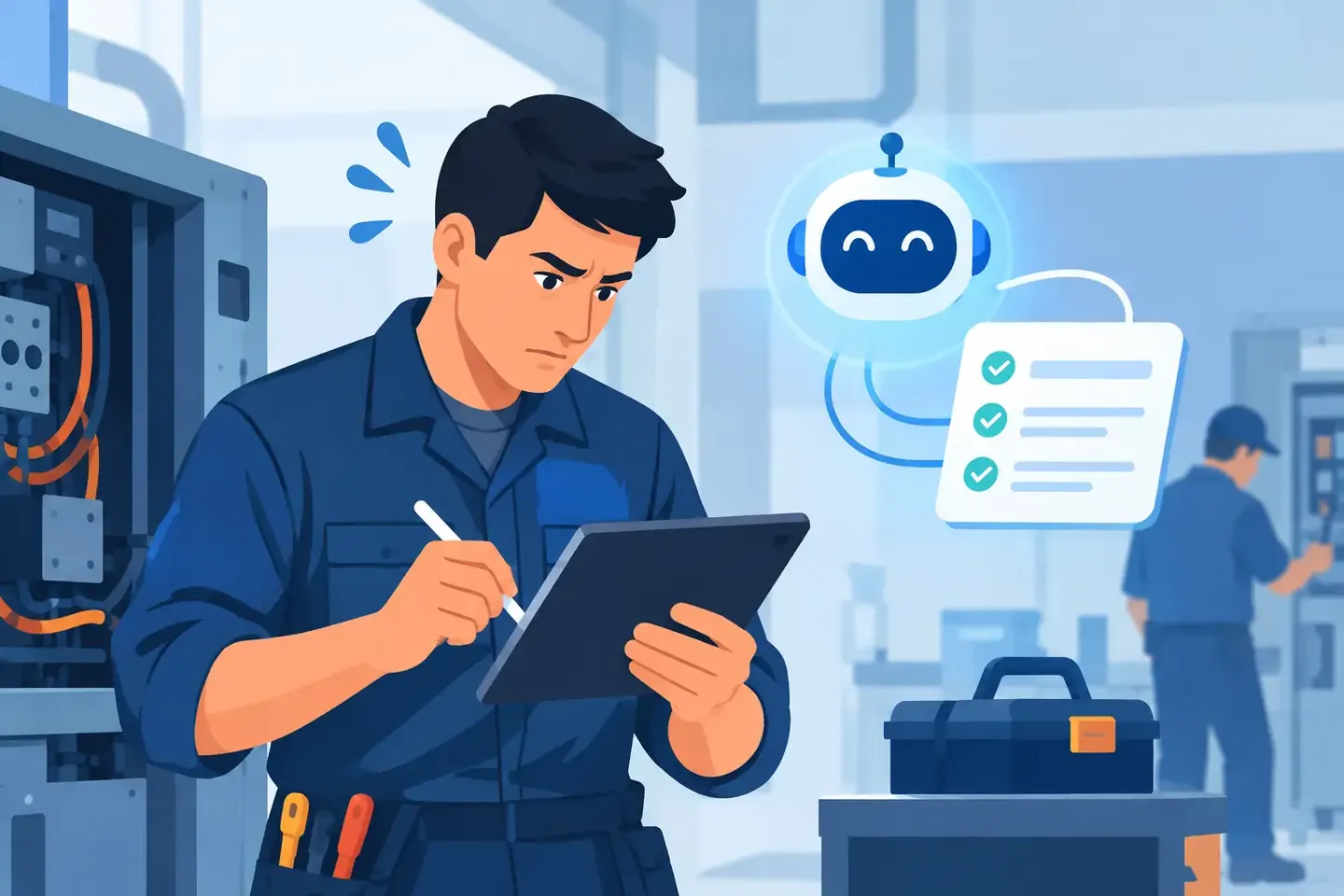
A console can be perfectly dialed in at 4:00 p.m. and impossible to reconstruct at 7:15 when a scene gets overwritten, a guest engineer walks in, or a rental package returns with different patching. The problem is rarely a lack of technical skill. It is that critical details live in a phone photo, a text thread, a notebook, or one person's memory. AI note taking for technicians gives those details somewhere useful to go before the next change happens.
This is not about replacing an engineer's judgment with software. It is about capturing the decisions made at the console, in the rack room, or backstage while they are still accurate - then making them easy to find when the pressure is on.
Why traditional production notes break down
Most crews document because they know they should. The failure happens in retrieval. A photo of a console screen may prove that a setting existed, but it does not tell the next operator why Channel 24 has 48V enabled, where the vocal effects return is routed, or which scene was safe to recall during changeover.
Spreadsheets are better for structured inventories, but they are slow to update from the floor. Paper notes are fast until they stay in a road case. Chat messages are convenient until someone needs to search a six-month-old thread for the compressor settings used on a particular lectern mic.
The more complex the system, the less useful fragmented notes become. Digital consoles add layers of routing, processing, scenes, DCAs, inserts, network sources, and user permissions. A broadcast chain may add intercom, mix-minus paths, IFB feeds, and backup workflows. Corporate AV and houses of worship face a different version of the same problem: systems that must be repeatable even when the original programmer is not in the building.
A good documentation process has to work during real work. If it takes longer to make the note than to make the change, it will be skipped at exactly the moment it matters most.
What AI note taking for technicians should actually do
For technical crews, useful AI note taking starts with natural input. A technician should be able to say, "Scene 12 is the panel discussion layout. Lavs are channels 1 through 6, podium is 7, playback is on 15 and 16, and the stream mix is post-fader except the walk-in music." The system should turn that into a structured record without requiring the technician to stop and fill out a rigid form.
That record needs context. Which venue? Which console? Which show, room, date, or system? Was this a starting point, a confirmed working setup, or a last-minute workaround? A note without context can create as much confusion as no note at all.
The next requirement is search. Searching "panel discussion stream mix" or "podium mic feedback fix" should surface the relevant setup quickly, even if those exact words were not used in the original note. A technician looking for a known-good configuration should not need to remember the file name, the date, or who documented it.
Finally, the record must remain usable by the team. Documentation locked to one device or one person's account does not protect institutional knowledge. The real value appears when the A2, systems tech, lead engineer, and incoming operator can all find the same verified information.
Capture decisions, not just settings
A list of parameter values is valuable, but it is only part of the record. The operational reason behind a decision often prevents the next mistake.
Consider a note that says, "Input 18: high-pass at 120 Hz, 3:1 compression, insert bypassed." That is a start. A better note says that Input 18 is the handheld used by the presenter who moves into the audience, the high-pass was increased to control stage rumble, and the insert remains bypassed because the external processor introduced enough latency to affect the stream feed.
That extra context helps the next technician decide whether the setup should be copied, adjusted, or left alone. It also separates intentional configuration from temporary troubleshooting.
This matters across disciplines. For video, the useful note may explain why a specific converter is locked to a format, which destination receives a clean feed, or what must be powered up before the matrix sees a source. For lighting, it may identify the show file version, universe assignment, and the reason a fixture profile was patched manually. The principle is the same: preserve the decision, not only the number.
A workflow that survives show day
The best time to document is immediately after a setup is proven, not at wrap when everyone is loading out. That does not mean writing a report after every fader move. It means capturing the changes that someone would need to repeat, verify, or troubleshoot later.
A practical workflow is simple. Create a record for the show, room, system, or client. Add notes as work happens by voice or text. Let the platform organize details into searchable fields and operational notes. Before handoff or teardown, review the few changes that affect the next build.
For example, after soundcheck, an engineer might capture the console model, stagebox assignment, scene structure, key input processing, monitor exceptions, and playback routing. During the show, they can add a short note when a guest input is repatched or when a spare channel becomes the active presenter mic. At the end of the night, that record is already most of the way complete.
Offline access matters here. Basements, loading docks, outdoor sites, and backstage areas do not always provide dependable connectivity. Documentation should be available where the work happens and synchronize when a connection returns. Otherwise, the process fails exactly where crews need it.
Where AI helps - and where it does not
AI is useful when it reduces the clerical work between a technician's observation and a usable record. It can organize spoken notes, identify likely equipment references, group related settings, and make natural-language search practical across many jobs.
It should not be treated as an authority on an unverified system. An AI-generated record can misunderstand a channel number, miss a negation, or confuse a model name in a noisy environment. If a note says, "Do not recall Scene 8," that distinction is show-critical. The technician remains responsible for reviewing anything that will drive a recall, patch change, or safety-sensitive action.
The right standard is assistive, not automatic. Use AI to capture faster and retrieve smarter. Use trained people to verify, operate, and make the final call.
There is also a privacy and access question. Not every record should be visible to every user, especially in broadcast, corporate, or client-sensitive environments. Teams need clear ownership, appropriate permissions, and a way to distinguish approved baseline configurations from personal working notes.
The payoff is faster recovery, not more paperwork
The strongest case for better notes is not administrative. It is operational.
When a console fails, a venue changes staff, or a show returns six months later, the crew needs answers fast. What was the input list? Which scene was the safe baseline? How was the stream feed built? Why was that EQ notch there? The ability to answer those questions in seconds can save a rebuild, protect a show, and keep a minor issue from becoming a client-facing failure.
It also improves handoffs. Experienced technicians carry enormous amounts of knowledge that rarely makes it into a formal document. When that knowledge is captured in the language they actually use on site, it becomes available to the rest of the team without forcing everyone into a slow, unnatural process.
ConfigMind is built around that reality: speak or type the setup, organize it into a durable technical record, then find it when the system needs to be rebuilt.
The goal is not to document every knob for its own sake. Document the information that lets the next qualified technician make the right move with confidence. When the room is full, the clock is running, and the setup needs to come back exactly right, that is the note that matters.
Document your setups digitally
ConfigMind helps audio, video and broadcast technicians document, plan, and hand over installations in a structured way. Get in touch for a demo.