AI Equipment Records That Crews Can Reuse
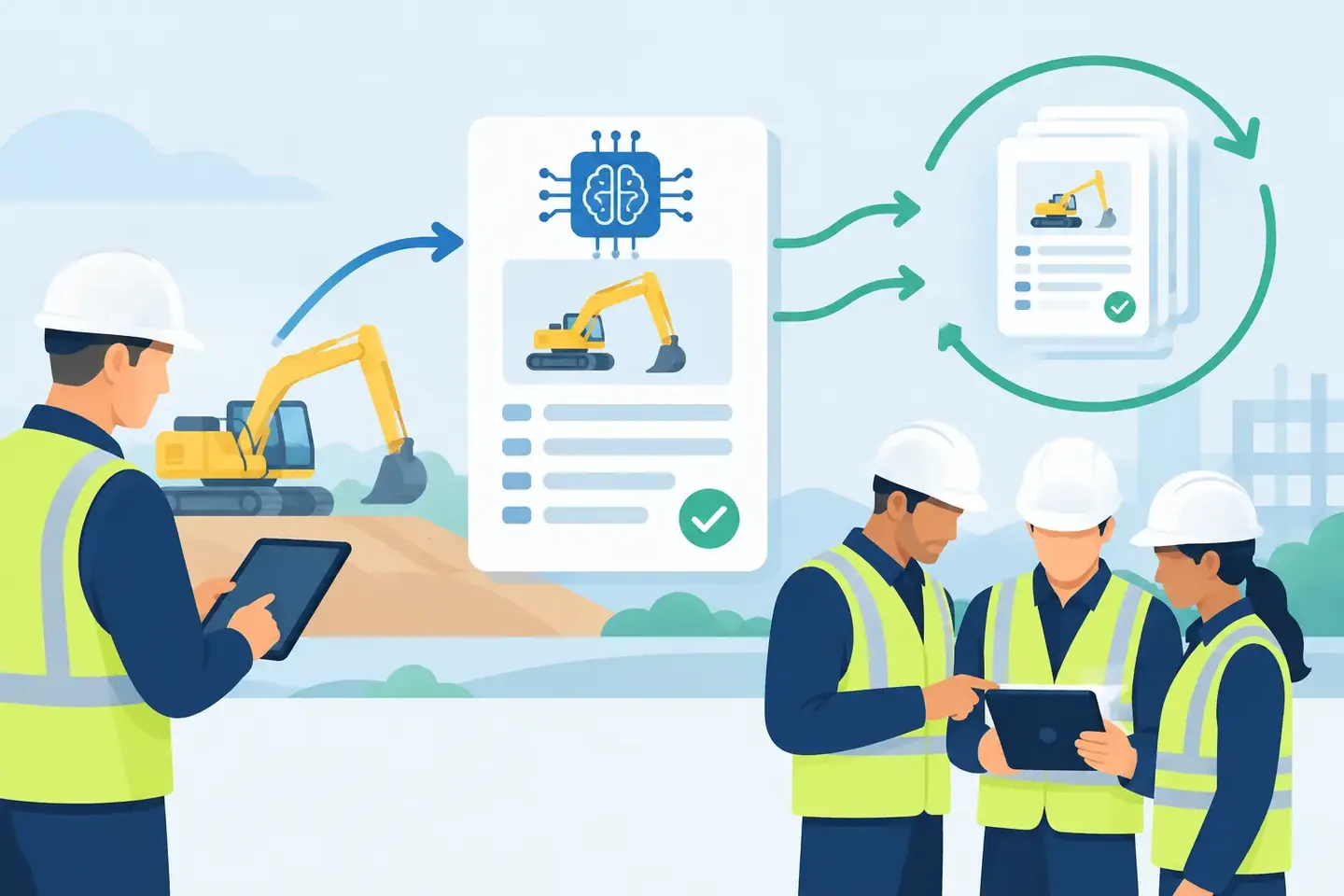
A console photo is useful for about as long as someone can find it. After that, it becomes another image in a camera roll, chat thread, or project folder with no context and no reliable way to retrieve it under pressure. AI equipment records turn that familiar evidence into usable technical history: settings, routing, notes, device details, and the reason a setup worked.
For working crews, the value is not novelty. It is being able to answer a specific question quickly: What was the vocal chain on that corporate show? Which output fed the overflow room? What changed after the RF issue? How was the broadcast mix routed when the A1 was off site?
Why conventional records fail in real production
Most technical teams already document equipment. The problem is that their records are fragmented. A technician takes photos at the console, writes a patch change in a group chat, saves a show file somewhere, and tells the next operator the rest during a rushed handoff. Every piece may be technically accurate, but the complete setup is not recoverable in one place.
Spreadsheets can help with inventory, I/O lists, and repeatable system plans. They are less useful when the job requires visual proof of a channel strip, a screenshot of a DSP page, a note about a workaround, or a record of what was actually deployed rather than what was planned. Paper notes are quick at the rack but difficult to share. Folders full of images preserve details but make them hard to search.
That gap becomes expensive at the worst possible time: a console gets replaced, a scene is overwritten, a freelancer joins the call, or a venue asks for last year's setup with one day of notice. The crew is forced to rebuild from memory. Sometimes that works. Often, it adds avoidable risk to a show day.
What AI equipment records should capture
A useful record is more than a photo and more than a preset. It connects the visual state of equipment to the operational context around it. On an audio console, that can mean gain, phantom power, inserts, EQ, dynamics, buses, matrices, routing, scenes, and channel labels. On a video system, it may include switcher states, multiview assignments, converter settings, EDID choices, or network addresses.
The record also needs the human explanation that no screen capture can provide. A note such as "use the analog backup return if the playback Mac loses Dante" may matter more than a perfect image of the routing page. So can a note that identifies a known bad tie line, a client-requested mic position, or the reason a compressor threshold was changed during rehearsal.
AI helps organize these inputs without asking technicians to stop working like technicians. A photo can become a searchable record. A screenshot can be associated with the correct device or setup. Natural-language notes can be categorized around the information crews will need later. Instead of manually building a database after load-out, the documentation process starts with the evidence already captured on site.
The workflow: capture once, find it when it matters
The best documentation workflow is fast enough to use during real work. If it requires a technician to enter dozens of fields before they can move on, it will be skipped when doors are in 20 minutes.
Start by creating a setup around the job, room, system, or production. Give it a name the team will recognize later. "Ballroom A - Q2 Town Hall" is better than "Event 14." Add photos of console layers, rack fronts, patch fields, DSP pages, wireless coordination screens, or signal-flow notes as the work progresses.
Then add a short operational note in plain language. It does not need to read like a manual. "Host lav is channel 17, routed post-fader to record mix, backup receiver is rack B" is enough to preserve a decision that would otherwise disappear after strike.
The AI organizes the material into structured, searchable information. That does not mean the system should invent technical facts or replace an engineer's judgment. The technician remains responsible for what is true. The software reduces the administrative work between capturing a detail and being able to retrieve it.
Later, search by the terms crews actually use: the console model, room name, artist, channel label, device, show, issue, or note. Finding a prior setup should take seconds, not a scavenger hunt through personal phones and archived chats.
Search matters more than storage
Many teams have plenty of storage. What they lack is retrieval.
A shared drive may contain years of show files, PDFs, photos, and commissioning documents. That is valuable only if someone can identify the correct material quickly and trust that it relates to the right version of the system. When names are inconsistent or files lack context, experienced people become the search engine. Everyone calls the one technician who remembers how it was done.
That creates a fragile operation. Institutional knowledge is not protected if it lives in a senior engineer's memory, a departing freelancer's phone, or an unlabeled USB drive. It is protected when the team can search and understand the record without needing the person who created it.
This is especially relevant for venues, rental companies, houses of worship, and broadcast facilities with recurring work. Reuse is not always about copying settings exactly. A room changes. A guest engineer has different preferences. A console firmware update may alter behavior. But a prior record gives the next technician a tested starting point, the history behind it, and a way to spot what needs verification.
Where AI helps and where it does not
AI is well suited to reducing the busywork around documentation. It can extract visible labels, organize images, associate settings with a setup, and make natural-language notes easier to find. Those capabilities are practical when the alternative is manually transcribing console pages after a 14-hour call.
It is not a substitute for checking a show-critical path. Optical character recognition can misread a small label. A screenshot can be outdated the moment a change is made. An AI-generated interpretation of a routing page should never be treated as proof without a technician reviewing it. For critical systems, visual source material and clear timestamps still matter.
The right standard is simple: use AI to make records faster to create and easier to retrieve, then keep professional verification where it belongs. Before a show, confirm the current patch, outputs, clocking, network state, and safety-critical conditions. Documentation reduces rebuild time. It does not remove the need for a line check.
Build records around handoffs, not just archives
The strongest equipment records are created with the next person in mind. That may be tomorrow's A1, a system tech on another shift, a touring engineer arriving at an unfamiliar venue, or a project manager trying to understand a recurring fault.
Include the details that prevent a phone call. Identify what changed from the normal build. Record temporary workarounds. Make clear which scene is safe to recall and which one was captured only for reference. If a setup depends on an external device, adapter, network switch, or physical patch location, document that dependency directly.
This is where team-accessible records outperform individual photo collections. A technician can capture the state at the console or backstage, while the rest of the crew can find the same information when they need it. Online synchronization keeps the record available across the people and locations involved in the work.
ConfigMind is built around that reality: capture technical evidence in the field, add the context in natural language, let AI structure the record, and retrieve it when the next setup needs to be built. The platform is manufacturer-independent because production problems rarely stay inside one device category.
Make documentation part of the reset
Do not wait for a perfect documentation day. It will not arrive. Start with the setups that are expensive to rebuild, difficult to explain, or likely to recur. Document the console state after a successful show. Capture the rack configuration before a touring package leaves. Save the workaround that kept a corporate breakout room running.
Over time, those records become more than a library of images. They become evidence of how your team solves problems, repeats success, and hands work over without losing the details. The next time a familiar setup has to come back fast, the crew should be able to find the answer before the first case is opened.
Document your setups digitally
ConfigMind helps audio, video and broadcast technicians document, plan, and hand over installations in a structured way. Get in touch for a demo.