Yamaha Console Scene Management That Holds Up
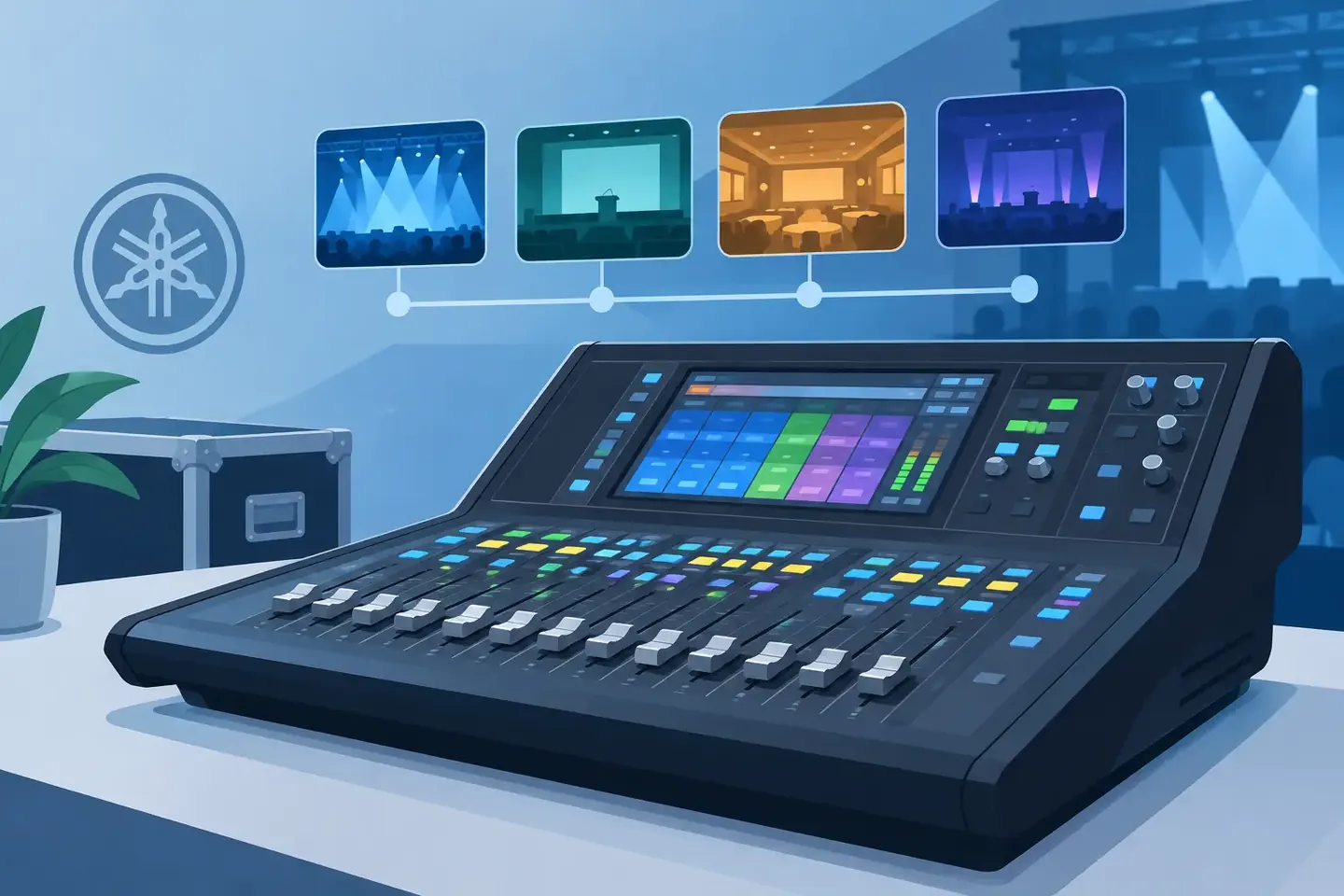
A scene recalled at the wrong moment can overwrite a carefully corrected mix in seconds. Yamaha console scene management is not just about saving snapshots between songs. It is the discipline of deciding what the console is allowed to change, what must stay protected, and how the next operator will know why a scene exists.
For live sound, broadcast, corporate AV, and worship environments, scenes are part of the operating system of the show. Treat them as a pile of last-minute saves and they become a recall risk. Build them with a clear plan and documented intent, and they reduce rebuild time, protect critical routing, and make repeat performances far less stressful.
Start with a scene plan, not a scene list
Before programming scenes, define the changes the production actually needs. A musical may need scenes tied to cue transitions, wireless mic handoffs, orchestra changes, and playback states. A corporate show may need a small number of scenes for walk-in, presentation, panel, playback, and walk-out. A broadcast truck may need scenes organized around segments, remote sources, or alternate control-room workflows.
The number beside a scene does not explain its purpose. A useful scene name does. “03 - Panel mics open” tells the A1 more than “Scene 003.” Add operational notes where the console name cannot carry enough context: which presenter needs extra gain, which playback source is on an alternate tie line, or why a matrix send must not be recalled.
Keep the scene structure predictable. Reserve an initial scene for a known startup condition. Group show scenes in order. Leave intentional gaps where a production commonly inserts a late change. The goal is not to make the scene list elegant. The goal is to make it safe when someone has ten seconds to find the correct recall.
Decide what recall is allowed to touch
The most common scene-management mistake is saving everything because it is available. That can include input patching, head amp settings, channel processing, bus sends, routing, effects, fader levels, and user-defined controls. Recalling all of it may be appropriate for a tightly controlled repeat show. It is often dangerous in a shared system or a show that is still changing.
Yamaha consoles provide recall-safe and scope tools so engineers can control recall behavior. Exact terminology and available options vary by model and firmware, but the operating question stays the same: which parameters should this scene change?
Protect settings that must survive every recall. In many productions, that includes head amp gain, phantom power, input patching, Dante or network-related routing, and communication paths. If a system tech has stabilized gain structure during line check, an operator should not be able to undo it by recalling a vocal scene halfway through the show.
Then narrow the scene scope to the work being done. A scene for a presenter walk-on may only need fader positions, mute states, selected dynamics changes, and a playback send. It probably does not need to rewrite every input channel, every rack assignment, or the entire monitor mix.
This is where “it depends” matters. On a touring package with fixed inputs, recalling head amp gain may be acceptable if it is part of a tested show file. In a venue with shared stage boxes, changing head amp gain from scenes can create problems for another console or a broadcast split. The safer default is to protect infrastructure and recall only deliberate show changes.
Use global protections with intent
Recall Safe is not a substitute for thinking through each scene. It is a guardrail. If you globally protect a parameter that a later scene genuinely needs to change, the recall may appear to work while leaving the mix in an unexpected state.
Set protections based on system ownership. Protect technical infrastructure that should remain stable across operators. Use scene scope for cue-specific changes. Verify both during rehearsal by recalling scenes forward and backward, not just in the order you expect to run them.
Build scenes in layers during rehearsal
A stable workflow separates the base mix from cue changes. Start with a verified foundation: input labels, patching, gain structure, EQ, dynamics, buses, matrices, effects, and output processing. Save that state as the approved starting point once the system is ready.
From there, create scenes for meaningful operational changes. Avoid saving a new scene every time a fader moves. A long scene list full of near-duplicates creates uncertainty because no one knows which version contains the approved change.
When a cue does need a scene, make the change, verify it in context, then save it with a useful name and note. If the scene is an update to an existing cue, record what changed. “Band walk-on - reduced playback by 3 dB, opened host lav” is more useful than “updated.” That detail is what helps an engineer diagnose an issue after a rushed rehearsal or recreate the move on a replacement console.
Incremental scene design also makes late revisions easier. If an awards show adds a remote guest, you can add or revise the specific guest segment scene instead of rebuilding the entire file. But keep an eye on dependencies. If Scene 12 assumes a change made in Scene 11, that assumption needs to be clear to the operator.
Test recall behavior before the audience arrives
Do not wait for show time to learn that a scene recalls more than intended. A recall test should be part of the pre-show process, especially after someone imports a file, adds a guest input, updates patching, or changes the console software version.
Test scenes with the elements that matter most: critical mics, playback, effects returns, matrices, monitor feeds, comms, and broadcast sends. Watch for unexpected phantom or gain changes, muted channels that should be live, routing changes, and altered sends. If the console supports a preview or confirmation workflow for your use case, use it. If the show cannot tolerate an accidental recall, protect the control surface and establish a clear recall authority.
It also helps to define recovery scenes. A known-good walk-in state, a verified show-start state, and a conservative emergency state can save a production when a file is edited incorrectly or an operator loses track of the current cue. These are not excuses for poor programming. They are practical insurance.
Yamaha console scene management needs documentation outside the file
A console file stores values. It rarely stores the full reason behind them. It does not reliably answer questions such as: Why is this channel recall-safe? Which scene introduced the IFB routing change? Was this gain adjustment approved after sound check? Which version ran successfully at the last venue?
That knowledge often ends up in phone photos, a text thread, a paper cue sheet, or one engineer’s memory. None of those are dependable when a production returns six months later with a different crew.
Document the console setup as the work happens. Capture the show name, console model, file version, stage box and patch context, scene numbers, recall-safe decisions, exceptions, and operational notes. Natural-language records are especially useful because technicians do not think in spreadsheet columns while standing at FOH. A note such as “Scene 21 changes host lav compression only; keeps all head amps and matrix routing safe” is searchable and immediately understandable.
ConfigMind can turn those spoken or typed notes into structured, searchable console records, so the team can retrieve the scene logic along with the setting details. That is useful when rebuilding a show, handing it to a second operator, or investigating why a scene behaved differently at the next stop.
Make scene ownership clear across the crew
Scene failures are often process failures. One engineer updates a cue, another saves the console file under a similar name, and a third operator loads an older version because nobody identified the approved file. The console did exactly what it was told.
Assign ownership for scene changes. During rehearsal, one person should be responsible for approving saves and recording revisions. At handoff, communicate the active file name, current scene, protected parameters, known exceptions, and recovery plan. A two-minute handoff can prevent an hour of troubleshooting.
For recurring events, preserve the final operational record after the show, not just the console file. The next team needs the decisions behind the file as much as the file itself. When scenes are planned, scoped, tested, and documented, recalling a Yamaha console becomes a controlled cue - not a gamble in front of a live audience.
Document your setups digitally
ConfigMind helps audio, video and broadcast technicians document, plan, and hand over installations in a structured way. Get in touch for a demo.