How to Track Signal Flow Changes Without Guessing
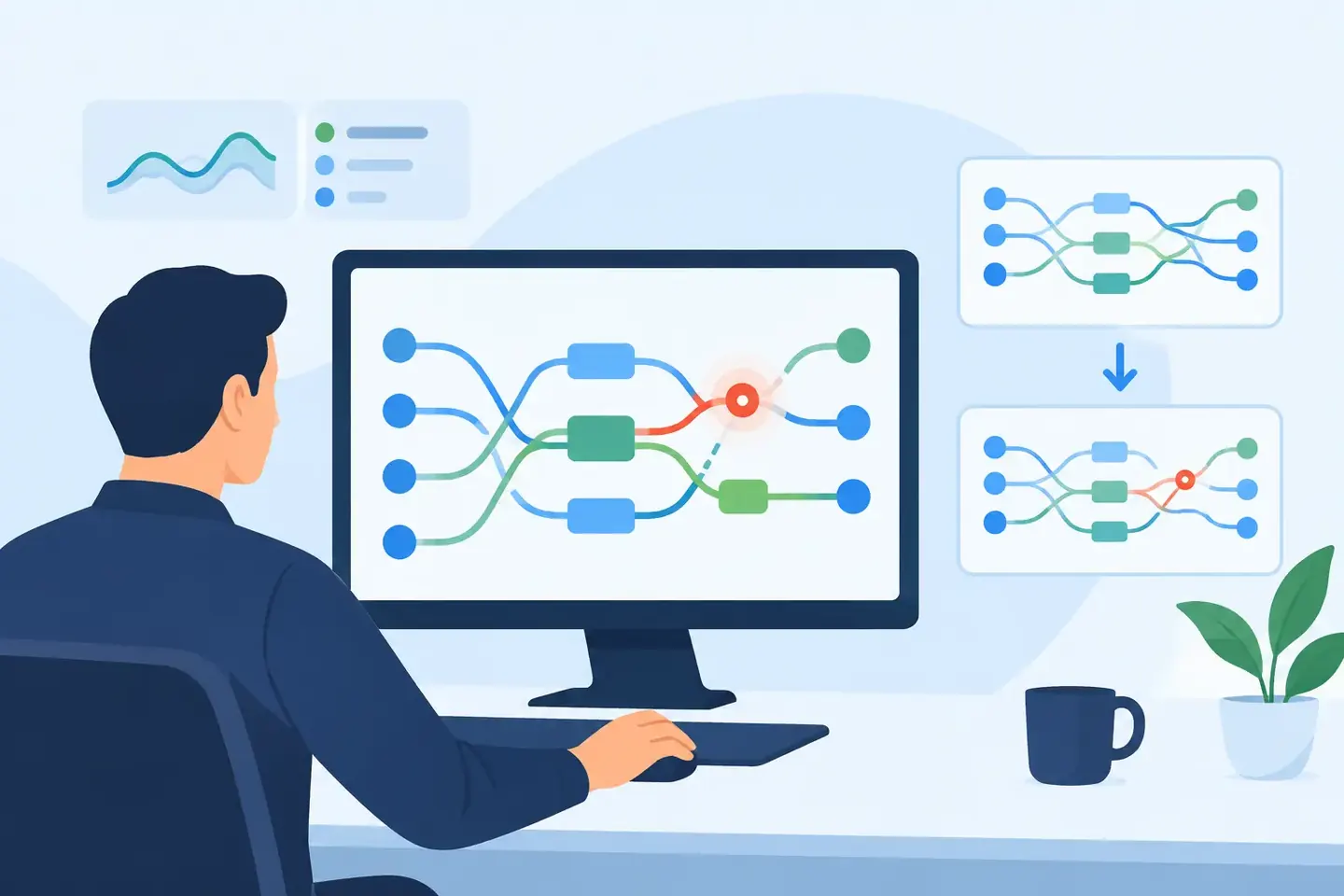
A mix that worked at soundcheck can fail at doors because of one routing change nobody wrote down. A matrix feed gets repurposed for lobby audio. A wireless receiver moves to a spare input. A playback return changes from local I/O to stage rack. By the time the next operator asks what happened, the patch sheet is technically correct, the console scene looks familiar, and the actual signal path is somewhere in a chat thread.
To track signal flow changes reliably, document the decision behind the change, not just the final destination. The goal is not paperwork. The goal is to let the next technician identify where a signal is going, why it was moved, and what will break if that route is removed.
Why Signal Flow Changes Cause Expensive Problems
Signal flow is rarely static in live production. Inputs change when an artist adds a playback rig. Outputs change when a client requests a press feed. A console receives a new stagebox after a hardware issue. Broadcast audio needs a clean feed that did not exist during rehearsal. Every one of those changes can be reasonable. The problem starts when the change lives only in someone’s memory.
Digital consoles make this easier to miss. The physical patch may look untouched while the actual change happens in an input patch page, direct-out assignment, bus send, Dante subscription, insert point, matrix, or scene recall scope. A technician can hear audio and assume the route is known. Then a scene recall, power cycle, festival changeover, or console swap exposes the missing detail.
The cost is not limited to troubleshooting time. Untracked changes create bad handoffs, inconsistent builds, accidental loops, missing recordings, and feeds that are one recall away from silence. They also force experienced technicians to become the documentation system. That does not scale across shifts, venues, or touring crews.
Start With a Known Signal Flow Baseline
You cannot identify a meaningful change without knowing what was true before it. At the beginning of a show, install, or production day, capture the working baseline at the points where signal can branch or disappear.
For an input, that usually means more than a channel number. Record the source, physical or network input, console channel, preamp ownership, insert status, and primary destinations. If the vocal microphone reaches front of house, monitors, broadcast, recording, and a comms mix, those paths do not need identical processing or routing. The baseline should make those differences visible.
For outputs, identify the bus or matrix source, processing point, physical output, and destination device. “Matrix 3 to video” is useful only until someone asks whether that is a post-fader program mix, a clean mix-minus, or a feed with audience mics. A short operational note prevents a long investigation later.
This does not require building a giant signal-flow diagram for every small event. The right level of detail depends on risk. A two-channel corporate playback system needs less documentation than a broadcast music production with redundant network audio, multiple consoles, and transmission feeds. Capture the points where a wrong assumption would cost time or take audio off air.
Document the Route and the Reason
A useful change record answers four questions: what changed, where it changed, why it changed, and whether it is temporary. Those answers should be understandable by a technician who was not in the room.
Consider a simple note: “Playback moved from local inputs 15-16 to Stage Rack B 31-32.” It records a fact, but not enough context. A better record is: “Playback A moved to Stage Rack B 31-32 after local inputs were assigned to press microphones. Channel patch updated on FOH console. Broadcast split remains on Dante RX 15-16. Temporary for Friday program.”
That note tells the next operator that there are two separate paths, the reason for the move, and the expected cleanup point. It also prevents a common mistake: restoring the local input patch without checking what replaced it.
Track Signal Flow Changes at the Right Layer
Most routing mistakes happen because a crew documents one layer and assumes it describes the entire path. A signal can be correct at the input patch and wrong at the bus, matrix, network, or physical output.
Treat the signal path as a chain of control points. The source enters an input, reaches a channel, may pass through an insert or processing chain, feeds buses, then reaches matrices, recorders, amplifiers, streaming encoders, or other consoles. Network subscriptions and stagebox assignments may sit before or after several of those steps.
When a change is made, capture the layer where it happened and the layers affected by it. If a drum submix is sent to a broadcast console through a direct output, note the tap point. “Drums to broadcast” is not enough if the feed changes from post-fader to pre-fader or follows a mute group unexpectedly.
This is especially important for inserts and parallel paths. An inserted processor can move from one channel to another without changing the obvious input or output patch. A spare bus can become a temporary effects send, then later get reused for a client feed. If the bus name was never updated, the console itself starts telling the wrong story.
Scenes Can Preserve Changes or Erase Them
A scene is not proof that routing is safe. It is a recall action with a scope, and that scope varies by console, show file, and operator. Input patching, preamp control, direct outs, insert assignments, bus sends, matrices, and output patching may be recalled, protected, or excluded in different ways.
Whenever signal flow changes during a run, record whether the change is stored in the current scene, protected from recall, or applied globally. This matters during changeovers and when a production uses scenes built by more than one engineer. A route that works at 3:00 p.m. can disappear at 6:55 p.m. because a recalled scene contains an older patch state.
The operational move is simple: after a routing change, test the intended recall path. Recall the relevant scene in a safe moment, confirm the feed still reaches its destination, and document the result. Do not leave recall behavior to memory.
Use a Fast Change Workflow During Live Work
No one should be expected to write a formal report while a presenter is waiting for walk-on music. The workflow has to work at the console, under time pressure.
Capture the change immediately with a photo or screenshot of the relevant routing page, then add a plain-language note. Include the affected channel, bus, matrix, or device and the reason for the adjustment. If the change touches a physical connection, photograph the label or patch location as well. The image preserves console-specific detail; the note makes it searchable and understandable.
After the immediate issue is stable, add the impact and status. Was the original route removed or left in place? Does another engineer need to know? Should the change be reversed after the show? Those details turn a quick capture into a reliable handoff.
ConfigMind supports this kind of technician-first recordkeeping by turning console photos and screenshots into searchable configuration records. Instead of hunting through camera rolls for a routing page, a crew can keep the visual evidence, the operational note, and the setup context together.
Make Handoffs Specific Enough to Act On
“Broadcast feed changed” is not a handoff. It is an alarm with no location. A good handoff names the signal, the current route, the change owner, and the next action.
For example: “Press feed is now Matrix 5, sourced from Broadcast L/R after the client requested a mix-minus. Output is Dante TX 47-48 to the press rack. Do not recall the afternoon panel scene without checking Matrix 5. Remove after the final session.”
That is longer than a chat message, but it is shorter than rebuilding a feed during a live program. It also separates a temporary production workaround from the intended system design. Future crews need both pieces of information.
For installations and recurring events, review these records after the job. If the same workaround appears repeatedly, it is no longer a workaround. Update the standard baseline, labels, and templates so the system reflects how the room actually operates.
Search for the Change, Not Just the Setup
When a problem appears, technicians often search for the current configuration. That is useful, but the more valuable question is often: what changed since the last known-good state?
Use consistent language in notes so changes can be found quickly. Include equipment names, channel labels, bus names, output destinations, and production dates where they matter. “Lobby feed moved to Matrix 2” is easier to retrieve than “audio adjustment completed.” Natural language is fine, as long as it contains the identifiers another technician will recognize.
Keep the before-and-after state when possible. A record of the new route without the old one makes reversal harder. This is particularly valuable when troubleshooting intermittent failures, where a temporary reroute may have solved one problem while creating another downstream.
Build a Record That Survives the Crew Change
The best signal-flow documentation does not depend on the person who made the change being reachable. It gives the incoming operator enough evidence to verify the route at the console, understand the intent, and make a safe decision.
That standard changes how crews work. Instead of asking who remembers the patch, they can see the last known state, the adjustment made during the show, and the reason it was necessary. The next rebuild starts with facts, not guesses.
Before you leave the console, capture the one routing change that would cost the most time tomorrow. That is usually the record someone needs first.
Document your setups digitally
ConfigMind helps audio, video and broadcast technicians document, plan, and hand over installations in a structured way. Get in touch for a demo.