Top Tools for Backstage Handovers That Work
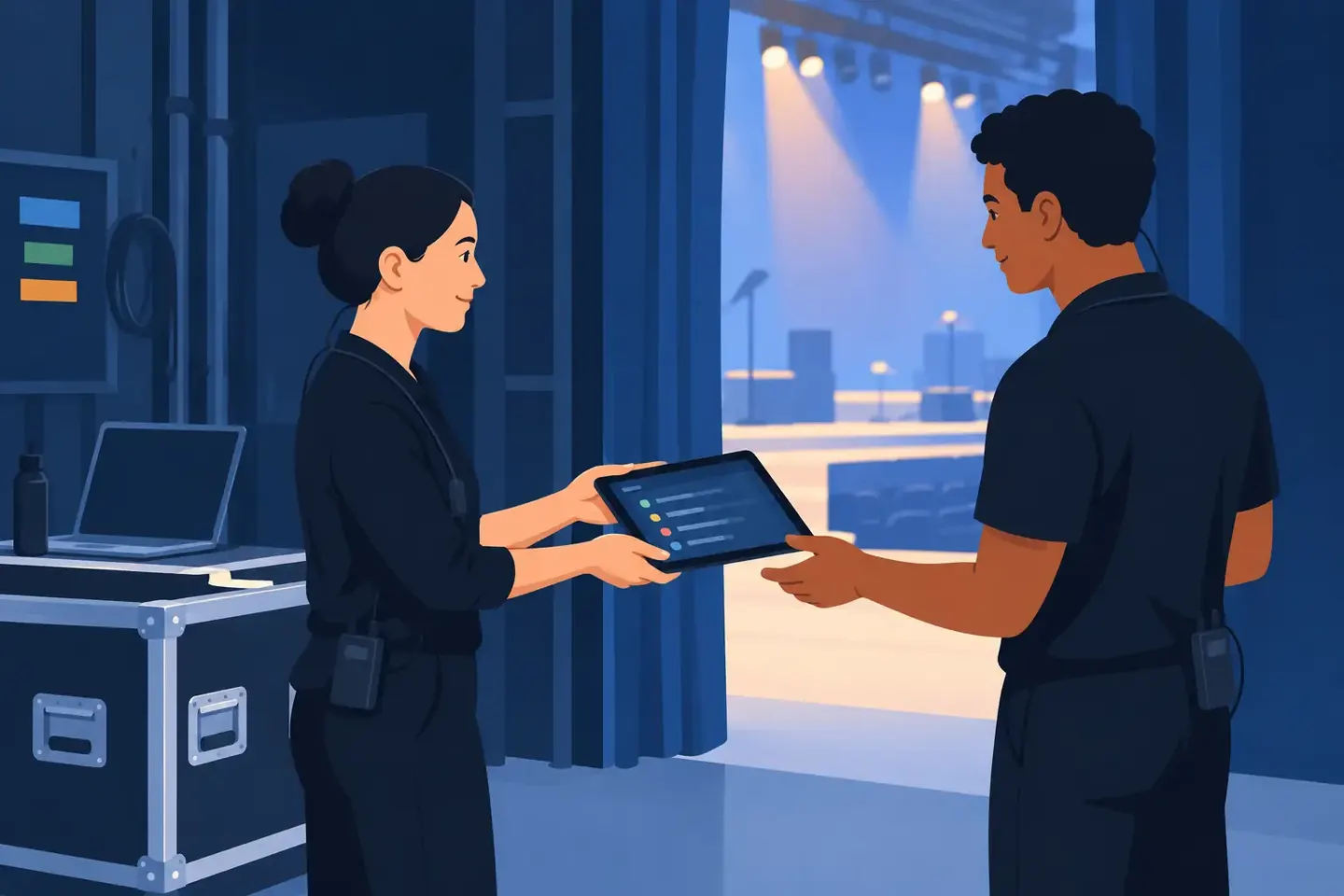
A backstage handover fails at the exact moment someone asks, “What changed?” and the answer is buried in a phone, a disappearing chat thread, or one technician’s memory. The top tools for backstage handovers are not the flashiest apps in the rack. They are the ones that let the incoming operator find the current state of the system, understand what is unusual, and take control without rebuilding the show from guesswork.
For a live sound desk, that may mean locating the correct scene, knowing which inputs have phantom power, and seeing why the guest playback channel has an aggressive high-pass filter. In broadcast, it may mean confirming router assignments, intercom changes, camera shading notes, and the workaround used for a stubborn source. A useful handover preserves both the configuration and the context behind it.
What a backstage handover tool must do
The right tool depends on the scale of the production, but every useful handover system answers five operational questions quickly: What is running now? What changed since the last shift? What must not be changed? What still needs attention? Who owns the next action?
A tool that answers only one of those questions creates more work elsewhere. A console show file can restore processing and routing, for example, but it rarely explains why a channel was patched around a failed stage box. A chat message can flag an issue quickly, but it is weak as a permanent record. The best workflow combines fast communication with durable documentation.
Speed matters more than formatting. If documenting a change takes longer than the change itself, crews will skip it during a tight changeover. That is why the most effective tools work from a phone, tablet, or laptop near the console, rack, or control position. They should also be usable by the technician inheriting the job at 7 a.m., not just by the person who built the system.
Top tools for backstage handovers by job
1. A searchable configuration record
This is the foundation. A searchable record stores the technical state of the system in a way the next person can retrieve in seconds. For audio crews, that includes console photos, channel settings, routing, scene names, patch details, gain structure, inserts, EQ, dynamics, and operational notes. For video or broadcast teams, it can include switcher states, multiview layouts, camera setup, signal paths, IP addresses, and timing references.
Photos are valuable, but only when they are tied to meaningful labels and notes. A picture of a console screen called “IMG_4832” is evidence, not documentation. A record labeled “Friday headliner - monitor desk - vocalist IEM mix - post-soundcheck changes” gives the next engineer a real starting point.
ConfigMind is built for this kind of handover: capture photos or screenshots, add notes in the language technicians already use, then keep the setup searchable for the next call, shift, tour date, or rebuild. The practical benefit is simple: finding a setup should not take 30 minutes.
2. Console and device show files
Show files remain essential because they are often the fastest way to restore a known operating state. A current console file can bring back routing, channel processing, scenes, DCAs, matrices, and user-defined keys far faster than manual reconstruction. The same principle applies to lighting consoles, video switchers, playback systems, DSPs, and networked devices.
But show files are not self-explanatory. They need version control and a clear naming convention. “Final_v7_reallyfinal” is not a handover process. Name files by production, date, position, and status. For example: “Riverfront_0614_FOH_PostSoundcheck.” If there is a known limitation, put it in the accompanying handover note rather than hoping the next operator finds it by opening scenes one by one.
There is also a trade-off. Loading a show file can overwrite local changes or conflict with a venue’s house configuration. The incoming technician needs to know whether a file is a full restore point, a reference only, or a source for selected scenes and channels.
3. A shift log for changes and open issues
A shift log is where a handover becomes current rather than historical. It should capture changes made during the shift, unresolved faults, temporary workarounds, and timing-sensitive tasks. Keep entries short, specific, and actionable.
“Stage left is weird” is not useful. “Stage left snake input 12 intermittently drops. Moved wireless spare to input 19. Do not repatch 12 before line check. Rental company has been notified” gives the next crew a clear operational path.
Use a shift log for details that do not belong inside a static system record: batteries that need changing, an artist request for the next show, a spare cable deployed during doors, or a video source that must be power-cycled before playback. The log should show time, owner, and status. If it does not, the incoming crew is left to determine whether an item is current, completed, or already superseded.
4. Fast crew communication
Production chat is useful because handovers often begin before the outgoing technician has physically left the building. It is the right place for immediate alerts: “I am delayed at load-out,” “The RF scan changed,” or “House management moved tomorrow’s access time.”
It is the wrong place to be the only home for show-critical information. Chat scrolls. People join late. Attachments get lost between catering updates and call-time changes. Treat chat as the alarm bell, then move the permanent detail into the configuration record or shift log.
A good rule is this: if the next shift could need the information more than once, it should not live only in a message thread.
5. A task tracker for ownership
Not every handover issue is a technical setting. Some are jobs waiting for a person: replace a damaged XLR fan, request a firmware file, test the backup playback machine, or confirm whether the venue can provide an additional network drop. A lightweight task tracker prevents these items from becoming verbal promises.
The critical fields are not complicated: task, owner, due time, status, and any operational impact. Avoid turning a show handover into project-management theater. A tracker full of vague tasks is just another place to hide work. Use it for items that cross shifts, departments, or days.
Build the handover around the moment of takeover
The best handovers are designed backward from the incoming technician’s first ten minutes. They should be able to identify the active file and scene, see major exceptions, verify critical paths, and find open issues without calling three people.
Start with the system state. Record what is loaded and running. Then document exceptions: channels with unusual processing, temporary reroutes, disabled devices, borrowed gear, special artist requirements, and anything that could cause a failure if reset. Finally, log active tasks and give each one an owner.
This order matters. If the incoming operator is standing at FOH while doors are opening, they need the current configuration before they need a complete history of the problem that caused it.
Make screenshots and photos operational
A photo can save a show when it captures the one menu page nobody remembers how to reach. Take pictures of high-value states: patch pages, I/O rack assignments, Dante or network settings, matrix routing, RF coordination screens, processor pages, and unusual console settings. Capture the surrounding context when it helps identify the device or position.
Then add a plain-language note. State what the image shows, why it matters, and whether it reflects the current state. This is especially important when a photo documents a workaround rather than the preferred design.
The handover test: can someone else run it?
A handover is complete when another qualified technician can take over without relying on the outgoing person’s memory. That does not mean documenting every knob after every song. It means documenting the decisions, changes, and configurations that would cost time or create risk to rediscover.
Run a quick test before leaving: Can the next person find the current setup? Can they identify what changed? Can they see what is fragile? Can they tell what work remains and who owns it? If any answer is no, the handover is not ready.
Backstage work moves too fast for perfect paperwork. It does not move too fast for a reliable record. Capture the state, explain the exceptions, assign the open work, and leave the next technician with a starting point they can trust.
Document your setups digitally
ConfigMind helps audio, video and broadcast technicians document, plan, and hand over installations in a structured way. Get in touch for a demo.