Technical Documentation for Technicians: The Complete Guide
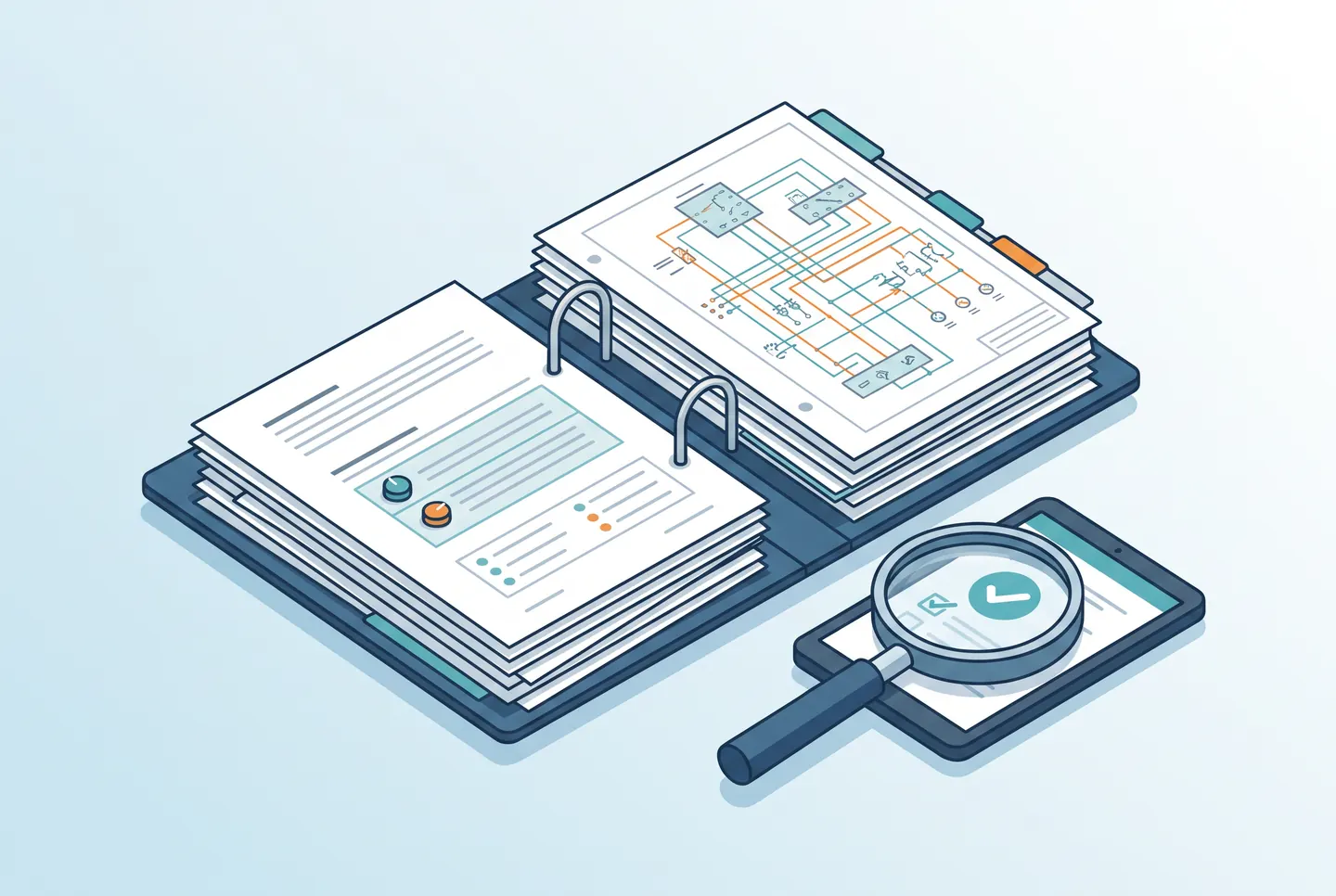
Few terms mean as many different things across technical businesses as “technical documentation.” For some, it’s a device datasheet; for others, it’s the entire system manual. This guide walks through how to create technical documentation that actually gets used — not just filed away.
What belongs in technical documentation
At its core, technical documentation always answers three questions: what was built or delivered, how does it work, and how is it maintained or extended? The scope varies by industry and project, but the following elements show up in almost every solid piece of technical documentation:
- System description and scope of functionality
- Technical drawings or wiring diagrams
- Device and component lists
- Installation and configuration steps
- Maintenance and inspection intervals
- Safety and compliance notes, where relevant
A real-world example
A useful example: for a building control system, you don’t just document that a control cabinet was installed — you record which fuse protects which circuit, which software version runs on the controller, and which parameters were customized. Those details are what make later troubleshooting or expansion possible without starting from scratch.
Common mistakes when creating documentation
- Starting too late: if documentation only begins after the project wraps up, important details are already lost.
- No consistent structure: without a fixed template, every project ends up in a different format — hard to compare, hard to hand over.
- No version control: changes go untracked, so it’s unclear which version is current.
- Scattered formats: photos on a phone, notes on paper, drawings on a laptop — nothing lives in one place.
Software instead of a scattered pile of files
Anyone regularly producing technical documentation eventually needs dedicated documentation software. A purpose-built solution for technical documentation in the field — like ConfigMind — brings photos, device lists, drawings, and logs together in one place, with a consistent structure per project. That cuts the effort of creating documentation and makes it immediately usable by colleagues.
Conclusion
Technical documentation isn’t a form to check off — it’s the memory of a system. With a clear structure, ongoing upkeep, and the right tool, it turns from a chore into a genuine competitive advantage.
Document your system builds digitally
ConfigMind helps technicians and system integrators document, plan, and hand over installations in a structured way. Get in touch for a demo.