How to Document AV Systems Without Guesswork
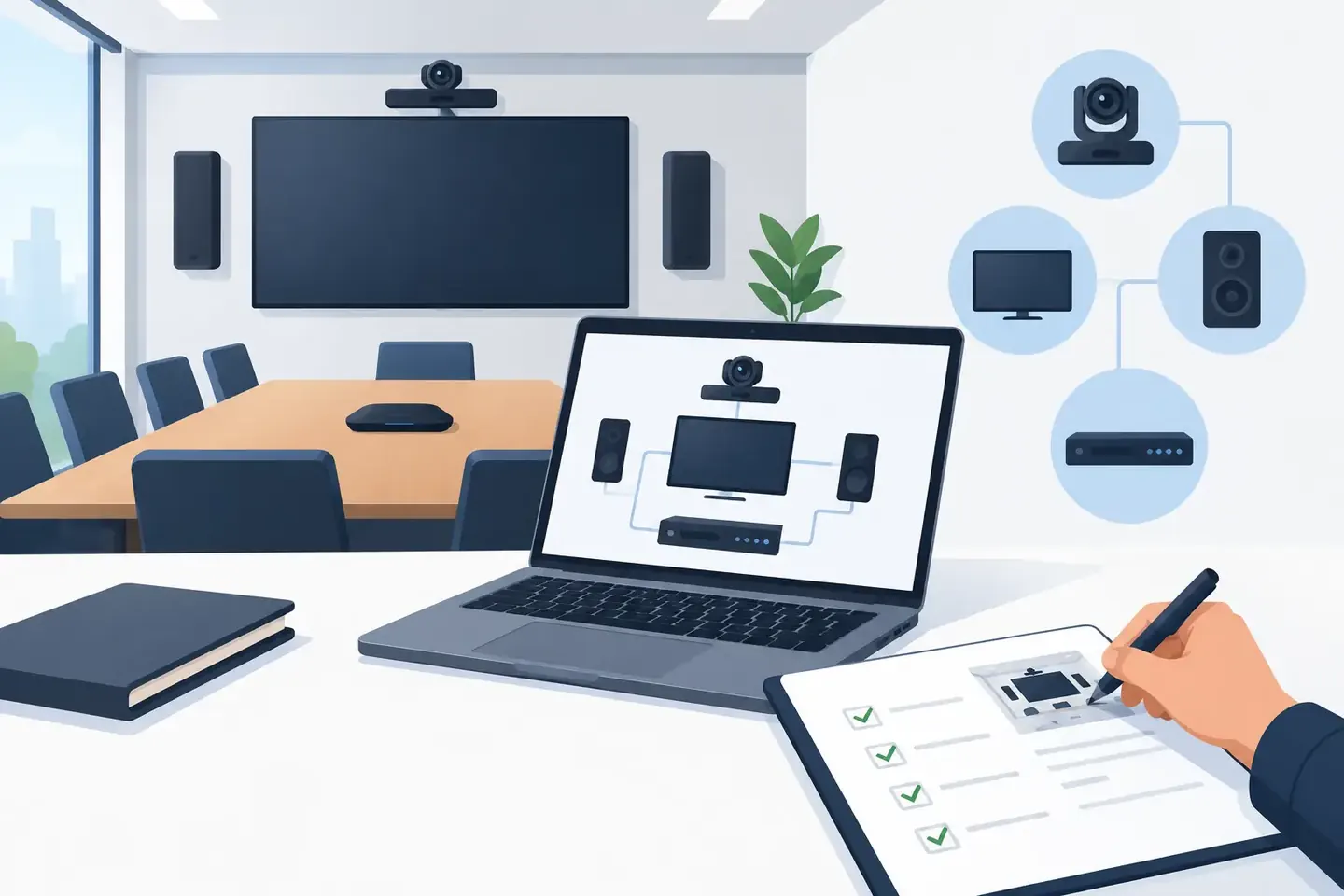
A room can look perfectly normal at 8 a.m. and still be one missing routing change away from a failed rehearsal. That is why knowing how to document AV systems is not an admin task for slow days. It is part of operating the system. Good documentation lets the next technician find what matters, verify it quickly, and rebuild without relying on memory, old photos, or a phone call to someone off-site.
The target is not a beautiful binder nobody opens. The target is a record that answers the real questions: What is connected? How is it routed? What settings make this work? What changed, when, and why?
Start with the system someone must actually rebuild
Document the AV system at the level of detail required to restore it after a failure, a room reset, a console swap, or a crew change. For a simple conference room, that may mean signal flow, DSP presets, display inputs, control processor details, and network information. For a live venue or broadcast facility, it can include console scenes, patching, gain structure, comms, playback, RF coordination, video routing, switcher states, and show-specific exceptions.
The right depth depends on the risk. A permanently installed system with locked presets does not need the same running notes as a touring package that changes venues every day. But both need enough context that a competent technician can take over without guessing.
Start by defining the system boundary. Is this record for one room, one rack, one production, or the full signal path from stage box to stream encoder? A record that tries to capture every device in a building becomes difficult to maintain. Break large environments into useful units, then connect those units with clear references.
Build the record around signal flow
The fastest way to make documentation useful is to follow the signal. Start at the source and work toward the destination. This matches how technicians troubleshoot under pressure.
For audio, capture sources, inputs, preamps, console channels, inserts, buses, matrices, outputs, processing, amplifiers, and loudspeakers. Include physical and logical patch points. “Vocal mic to channel 12” is not enough if channel 12 gets fed from a stage box, split to broadcast, and sent through a specific mix bus to a processor preset.
For video, document sources, transport, scaling or conversion, switcher inputs, destinations, display assignments, EDID requirements, and backup paths. For control and networked systems, record device names, IP addresses or DHCP reservations, VLANs, switch ports, control dependencies, firmware versions when relevant, and where credentials are securely managed.
A readable signal-flow diagram helps, but it should not be the only record. Diagrams show architecture well. They are weak at carrying operational detail such as “aux 7 is post-fader only during the panel discussion” or “input 3 needs 48V after the replacement microphone is installed.” Pair the diagram with structured notes.
Name things the same way everywhere
Inconsistent labels create avoidable mistakes. If the console says `WL-Host`, the RF rack says `Host 1`, and the show file says `Presenter`, a new operator has to translate before making a change.
Choose a naming convention that reflects the work. It might use source, position, and function: `LX-Podium-A`, `STG-Playback-1`, or `BRD-MixMinus`. Apply it to console channels, patch sheets, rack labels, wireless receivers, network devices, and documentation. The convention does not need to be clever. It needs to be stable.
Capture settings that affect operation
System inventories are necessary, but an inventory alone will not restore a show. Record the settings that shape behavior.
For a digital audio console, that means more than a scene file name. Capture channel gain, phantom power, polarity, inserts, EQ, dynamics, routing, bus sends, DCAs, mute groups, scenes, safes, and user-defined keys if they control show-critical functions. Note whether a setting is intentional or just the current state. A high-pass filter at 120 Hz may be a deliberate fix for HVAC noise, not a default to copy blindly.
For DSP, processors, switchers, and control systems, note the active configuration, preset or project version, routing state, key thresholds, and dependencies. Where a configuration file exists, record its location and version alongside a plain-language explanation of what it does. A file named `Final_final_2` does not explain why the lobby feed is delayed or why the confidence monitor uses a separate scaler.
Use screenshots and photos selectively. A photo of a rack can confirm physical layout, connector locations, and label condition. A screenshot can preserve a complex matrix or unusual console page. Neither should replace typed, searchable facts. Photos are evidence. Documentation is retrieval.
Record changes as they happen
Most documentation fails after commissioning or load-in because the system changes faster than the record does. Someone moves an output, substitutes a device, changes an IP address, or creates a workaround five minutes before doors. The system now works, but only one person knows why.
Make change capture part of the workflow. A useful change note includes the date, technician, affected system, what changed, why it changed, and what to check before reverting it. Keep it short enough to enter on site. If logging a change takes ten minutes, it will not happen during a real production day.
For example: “Sept. 14, ballroom A: moved overflow feed from matrix 3 to matrix 5. Matrix 3 now feeds recording. Verify both feeds before corporate town hall.” That note gives the next crew a direct action, not a vague history lesson.
This is where natural-language capture is valuable. A technician should be able to dictate a note at the console or backstage, then have the details organized into fields that can be searched later. ConfigMind is built around that workflow: capture what happened in technician language, organize the configuration, and retrieve it when the room needs to come back online.
Make the documentation searchable by the questions crews ask
Organize records around how people search under pressure. Nobody wants to browse six folders to answer “Which output feeds the green room?” or “What scene did we use for the awards show?”
Every record should have a clear system name, location, date or revision, equipment identifiers, and tags for production type or room. Use consistent terms for destinations and functions. Add operational notes that include the language crews use: stream mix, hearing assist, lectern mic, playback, confidence monitor, clean feed, press mult.
Searchability also means separating persistent information from show-specific information. The installed system routing may be stable for months. A particular event’s wireless coordination and console scene may only matter for one week. Store them together when they relate, but label the difference. Otherwise, an old show file can be mistaken for the current house standard.
Verify records during calm time, not failure time
A record is only useful if it matches reality. Build verification into maintenance, prep, load-in, and post-show wrap. Open the record while standing at the system. Confirm device names, patch points, active presets, and recent changes. If a technician cannot follow the documentation without asking its author what they meant, rewrite it.
Use a practical test: hand the record to another qualified crew member and ask them to locate a specific source, identify its destination, and explain how to restore it. The goal is not to test the technician. It is to test whether the record removes uncertainty.
Version control matters here. Keep prior configurations when they may be needed, but make the active record unmistakable. Date revisions, identify the author, and state whether the configuration was verified. “Current” is not a version. “Verified after room rewire, Sept. 14” is.
Document for the next person, not your own memory
The strongest AV documentation is written by people who know what it feels like to inherit a system at call time. It does not hide critical details in personal shorthand. It does not assume the original installer, A1, or system tech will answer the phone. It makes known work repeatable and makes unusual decisions visible.
When the next crew can find the active routing, understand the reason behind an exception, and restore a setup in minutes, documentation has done its job. Start with the signal path, capture the settings that matter, log changes while they are fresh, and keep the record close enough to the work that it gets used.
Document your setups digitally
ConfigMind helps audio, video and broadcast technicians document, plan, and hand over installations in a structured way. Get in touch for a demo.