How to Properly Document a System Build
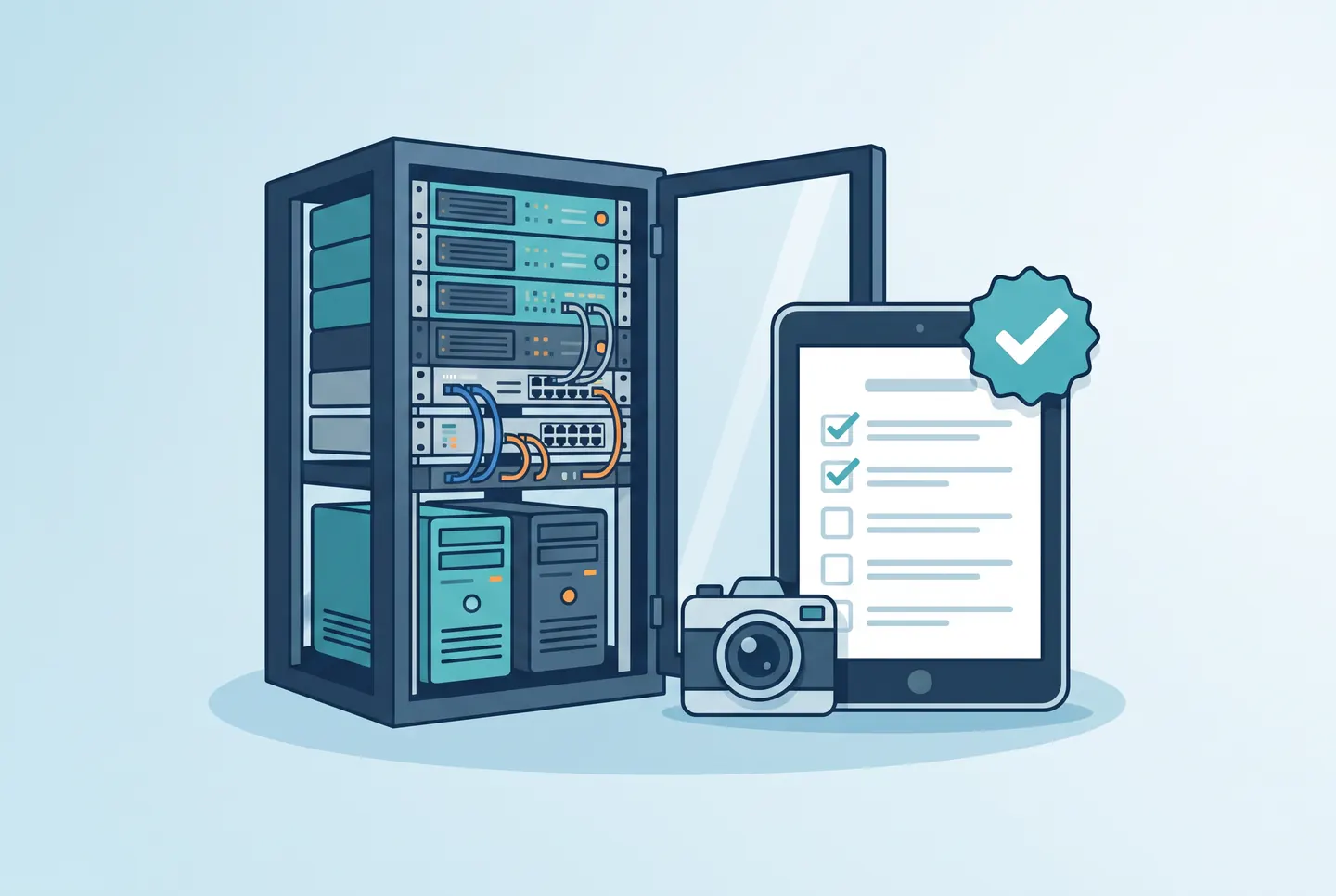
A system build isn’t really finished until someone else can understand it — a colleague, the client, or the technician who comes back for maintenance two years later. This is exactly where documentation tends to fail in practice: it gets written as an afterthought, scattered across notes, photos, and spreadsheets, and becomes nearly impossible to find later. This post covers what system documentation should look like if it’s still going to be useful months down the line.
Why most system documentation fails
The same three patterns show up in almost every shop: documentation gets written at the end of the job, once details are already forgotten. It’s spread across multiple devices and tools. And it follows no consistent structure, so every technician ends up with their own system. The result is a system overview that only the person who wrote it can actually understand — if anyone.
The core structure of solid system documentation
Reliable documentation for a system build should always cover the following layers:
- System overview: what was built, where it is located, and which components are involved.
- Wiring and connections: which cable goes where, and how it’s labeled.
- Device inventory: manufacturer, model, serial number, firmware version, install location.
- Configuration: IP addresses, references to credentials, and any settings that deviate from default.
- Change history: who changed what, when, and why.
From paper logs to a digital system overview
Paper logs and local PDF files share a fundamental problem: they go out of date the moment they’re created. As soon as a device is swapped or wiring is changed, a new document should technically be produced and distributed — in practice, that rarely happens. A centralized digital solution like ConfigMind lets you open and update the system overview on your phone right on site, instead of writing it up after hours.
A practical approach to documenting a system build
- Document as you build, not only once the job is done.
- Attach photos directly to the relevant components instead of dropping them into a loose gallery.
- Use consistent naming for devices and cables — ideally with a fixed naming convention.
- Log changes after handover consistently, rather than passing them along verbally.
- Make sure everyone involved has access — including the client, if the contract calls for it.
Conclusion
Good system documentation isn’t a side product — it’s part of the actual deliverable. Keeping it digital and structured from day one saves later back-and-forth, unnecessary site visits, and friction with clients, and it hands over a system that can be understood even without the original technician in the room.
Document your system builds digitally
ConfigMind helps technicians and system integrators document, plan, and hand over installations in a structured way. Get in touch for a demo.