Console Failure Recovery Case Study in 18 Minutes
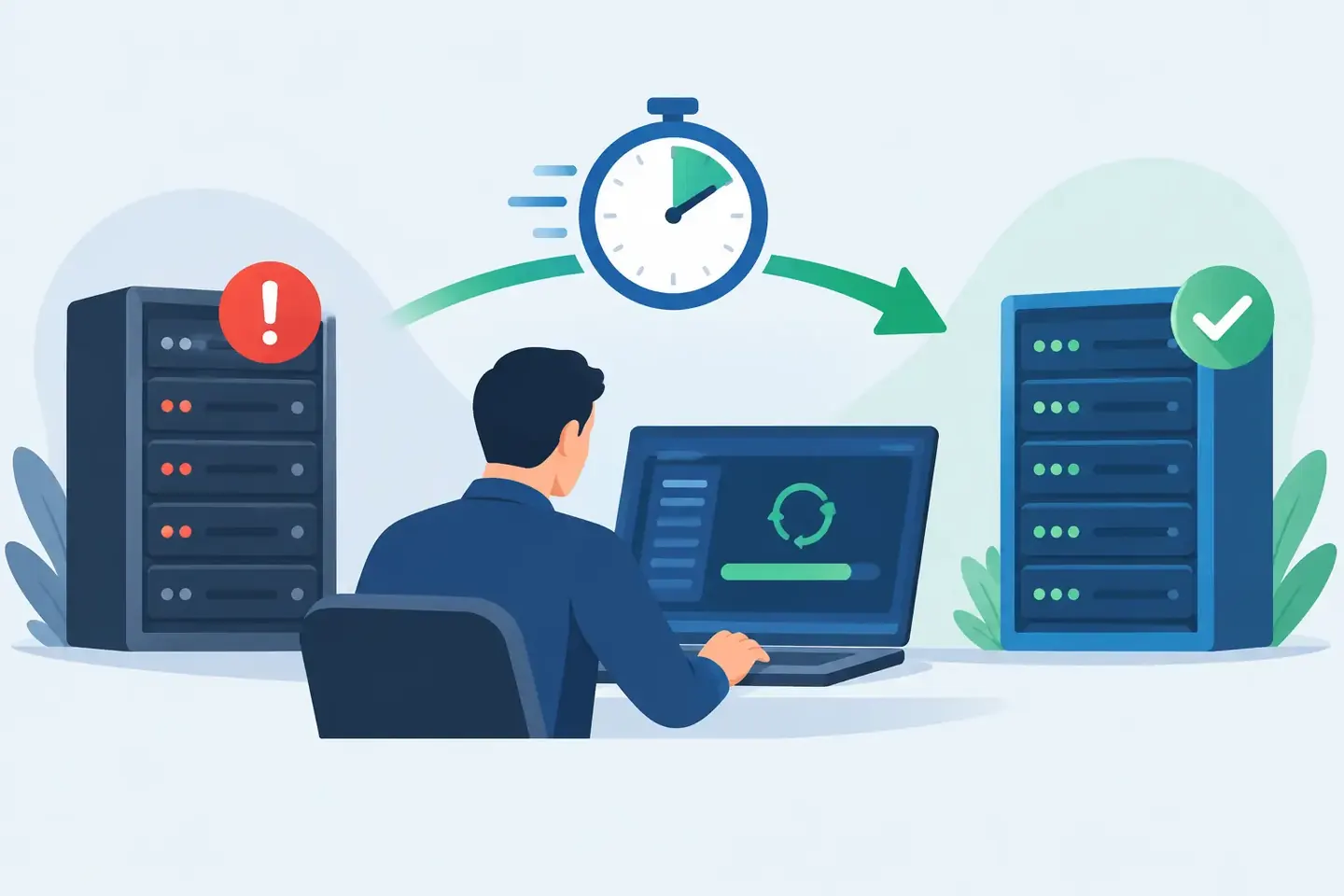
The console rebooted cleanly. The show did not.
In this console failure recovery case study, a production team had a powered spare console and a current show file, yet neither was enough to restore the mix immediately. The missing piece was the operational context around the file: what had changed since load-in, which inputs were repatched, which guest mic needed phantom power, and which scene recalls were deliberately blocked.
That distinction is what separates a technical recovery from a long, high-pressure guessing exercise. A show file can restore a lot. It cannot explain every choice made by an engineer during a live production day.
This is a composite case based on common console-recovery workflows in corporate AV, broadcast, and live-event production. The details are representative, but the failure pattern is familiar to any technician who has watched a console go offline with doors open.
The failure: a spare console without the last-mile details
The event was a two-day corporate program with executive presentations, remote contributors, playback, walk-in music, and a small panel setup. The audio team had a primary digital console at front of house, a compatible spare in the production package, and an exported show file from the previous evening.
During a pre-session check on day two, the primary console developed a hardware fault that prevented reliable audio output after restart. The team made the right call: stop troubleshooting the show-critical desk and move to the spare.
The spare booted. The show file loaded. Network audio appeared. At first glance, the recovery looked straightforward.
Then the gaps surfaced. Two executive lavaliers had been moved after the prior day’s rehearsal because of RF coordination. A podium microphone had been repatched to avoid a noisy stage box preamp. The remote caller return was fed from a matrix rather than the main mix, following a last-minute producer request. The presentation playback channel had a temporary input trim adjustment to match an unusually low source level.
None of those changes were obvious from the show file name. Some were saved in the console state, some depended on physical patching, and some existed only in the memory of the A1 and the stage technician.
The team had 18 minutes before the room reopened.
What the team had documented before the fault
The recovery did not depend on a perfect technical manual. It depended on having usable records captured during the work, when the details were still visible and relevant.
The crew had documented the base console configuration at load-in: console model, firmware version, show file version, stage box assignments, network connections, and primary routing structure. They also captured channel-strip screenshots and photos for the inputs most likely to cause trouble: executive lavaliers, podium, playback, remote return, and program feeds.
More importantly, the record included plain-language notes. The notes identified why the podium mic was on an alternate preamp, why the remote return bypassed the main mix, and which scene-safe settings protected the playback and communications channels. That context was not decorative. It was the recovery plan.
A good configuration record does not force a technician to decode an undocumented screen capture later. It pairs the evidence - console screenshots, photos, labels, and exported files - with the reason a setting exists.
Console failure recovery case study: the 18-minute rebuild
The first few minutes went to basic restoration. The A1 loaded the approved show file to the spare console, confirmed clocking and network audio, and verified that output patching matched the system processor and PA feeds. This was the fast part. A current file gives the team a known starting point.
The next phase required targeted checks rather than a full console rebuild. The stage technician and A1 worked from the documented input list, starting with show-critical sources. They confirmed the alternate podium patch, matched the moved lavalier assignments, and restored 48V only where required. They then verified gains against the documented reference values, with enough headroom to account for the difference between rehearsal speech and an executive speaking to a full room.
The remote caller path was the point most likely to be missed. A default restoration would have returned the caller to the program mix but not necessarily to the correct IFB and confidence-monitor feeds. The team found the routing note, rebuilt the matrix send, and checked mix-minus before the producer entered the room.
Finally, they recalled the opening scene and verified the intentional protections around playback, talkback, and key presenter channels. That avoided a common recovery failure: restoring a scene that technically loads but overwrites critical live adjustments.
The system passed line check with minutes to spare. The audience never saw a console swap. The crew still had work to do after the session, but the show opened on time.
Why the show file was necessary but insufficient
A show file is essential. It should be part of every console backup plan. But it is not a complete operational record.
Files can be outdated, saved under unclear names, tied to a different firmware version, or loaded into a console with a different physical and network environment. Even when a file restores perfectly, the real-world signal path may have changed since the last save. A substitute stage box, a repatched playback source, a revised RF plan, or a temporary producer request can invalidate assumptions quickly.
The practical answer is not to document every parameter on every channel after every adjustment. That would slow the crew down and produce records nobody wants to search. The answer is to document the configuration points that create the biggest recovery risk: patching, routing, gain structure, phantom power, critical processing, scene behavior, external dependencies, and exceptions from the baseline.
For a straightforward music act with a locked input list and stable console file, that record may be brief. For broadcast, corporate, houses of worship, or touring productions with multiple operators and changing program elements, the record needs more context. The right level of detail depends on how expensive it is to get a setting wrong.
The documentation choices that saved time
Three decisions made the difference in this case.
First, the team documented exceptions, not just defaults. Everyone expects a typical lavalier input and a typical output path. Recovery time disappears when the record highlights what is nonstandard: the alternate patch, the odd matrix feed, the channel that must never receive phantom power, or the scene scope that is intentionally limited.
Second, they used searchable language. A photo titled "IMG_4827" does not help when an A1 is searching for the executive podium channel. A record labeled "Podium - backup preamp on stage box B - 48V on" does. Natural-language notes give technicians a way to retrieve information based on the problem in front of them, not based on a folder structure they may not know.
Third, the records were accessible to more than one person. The A1 did not need to find the one phone containing a console photo or wait for a technician to scroll through a chat thread. The information could be checked from the console position and backstage at the same time.
That is the operational value of a shared configuration knowledge base. ConfigMind is built around this workflow: capture the configuration from photos or screenshots, add the technician context, let the record be organized, then retrieve it when the pressure is on.
Build recovery documentation into the show workflow
The best time to create recovery documentation is not after a failure. It is during load-in, after line check, and whenever a meaningful change is made.
Start with a baseline record before the system becomes busy. Capture the console identity, software version, show file name and date, I/O inventory, stage box mapping, network or digital transport details, output patch, and key scene structure. Then add evidence for high-risk channels and routing pages.
As changes happen, record only what changes and why. A short note such as "Playback moved to 31/32 after source swap - trim +6 dB" is more useful than an end-of-day promise to update documentation later. The technician who makes the change has the context. Capture it while it takes seconds.
Before doors, run a recovery check that asks one practical question: if this console disappears, can another qualified technician restore the show without relying on a single person’s memory? If the answer is no, the documentation is not finished.
Recovery is a team capability, not a hero moment
Experienced technicians can rebuild remarkable systems from incomplete information. But relying on memory is not a badge of honor when the show, client, audience, and crew are all waiting.
A console failure will still be disruptive. Hardware spares, power planning, network redundancy, current show files, and disciplined troubleshooting all matter. Documentation does not replace those controls. It makes them usable when a real production has drifted from the plan.
The next time a channel is repatched, a scene is protected, or a return feed takes an unusual route, record the reason while you are standing at the console. That small action may be what turns the next failure into a quiet reset instead of a visible problem.
Document your setups digitally
ConfigMind helps audio, video and broadcast technicians document, plan, and hand over installations in a structured way. Get in touch for a demo.