CAD Alternatives for Technicians: Ditch Paper and AutoCAD
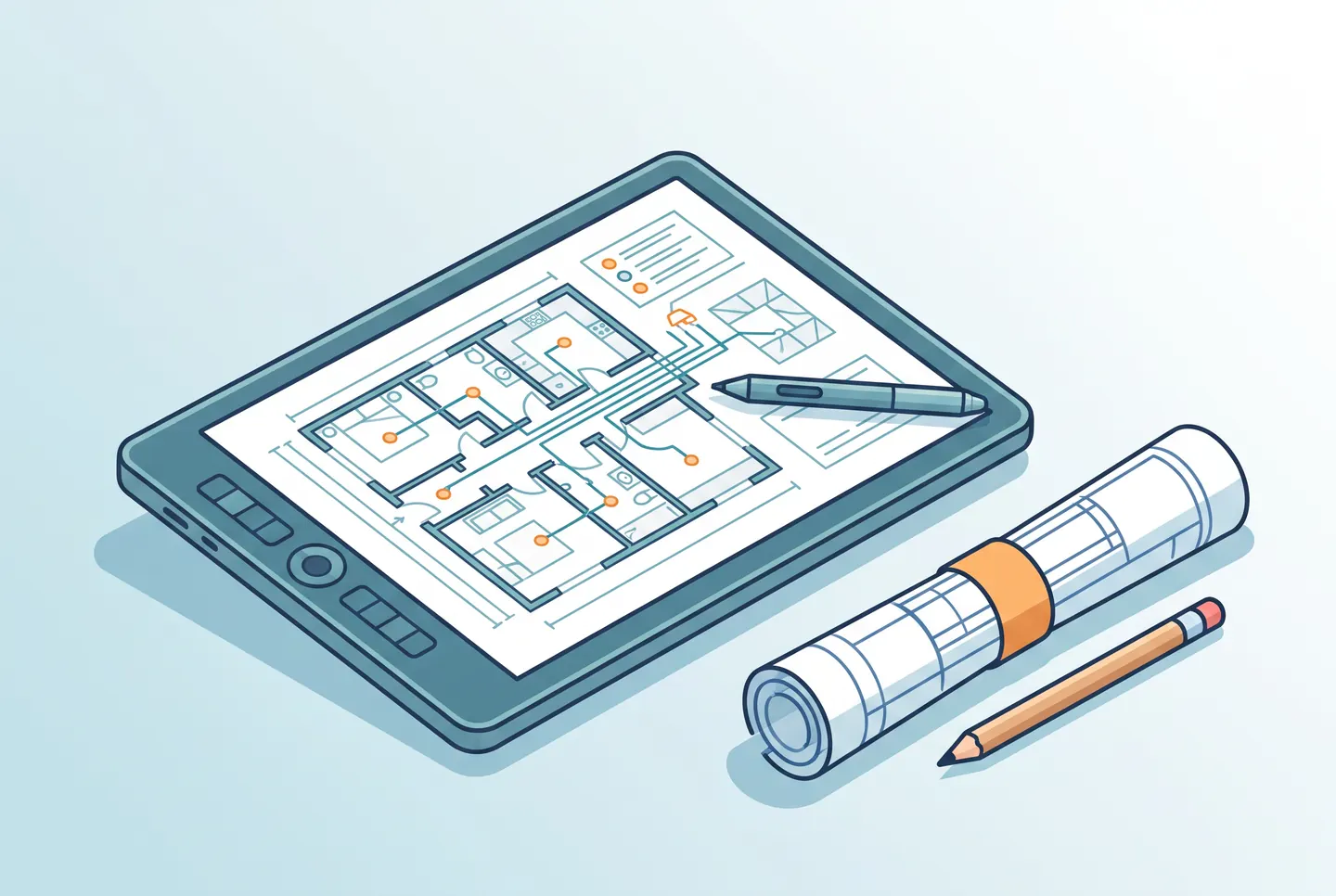
Not everyone who needs to produce a technical drawing needs a full-blown CAD system. For many technicians working on system builds, a simple, fast tool for overview sketches and wiring diagrams is enough — no hours of onboarding required. This post looks at when a CAD alternative makes sense, and when it doesn’t.
Why so many technicians look for alternatives
Traditional CAD software is powerful, but also complex and expensive. For a technician who just needs to sketch out wiring or document device placement quickly, that’s often overkill. As a result, many end up searching for a free CAD program or a simple drawing tool that’s good enough for everyday use.
Three categories of tools
- Full CAD software — for planners and engineers who need precise, standards-compliant scale drawings.
- Simplified drawing tools — for quick sketches, floor plans, and wiring overviews without a steep learning curve.
- Integrated documentation tools — that link drawings directly to device lists, photos, and logs instead of managing them separately.
Which tool makes sense, and when
If you need standards-compliant drawings for tenders or regulatory submissions, there’s no way around a proper technical drawing program. But for day-to-day documentation on a system build — answering “what’s where, and how is it wired” — a simple, fast tool that’s directly linked to the rest of the project documentation is usually enough.
The real bottleneck: disconnected systems
The biggest problem is rarely the drawing tool itself — it’s the separation between the drawing, the device list, and the log. A technical drawing kept apart from the rest of the documentation goes stale just as fast as a paper log. That’s why more technicians are turning to platforms like ConfigMind, where simple sketches, device lists, and logs all come together in one system.
Conclusion
Not every task needs a full CAD package. What matters is picking the right tool for the job at hand — and making sure the drawing, the device list, and the log don’t drift apart across three separate tools.
Document your system builds digitally
ConfigMind helps technicians and system integrators document, plan, and hand over installations in a structured way. Get in touch for a demo.