AV Knowledge Platforms That Crews Actually Use
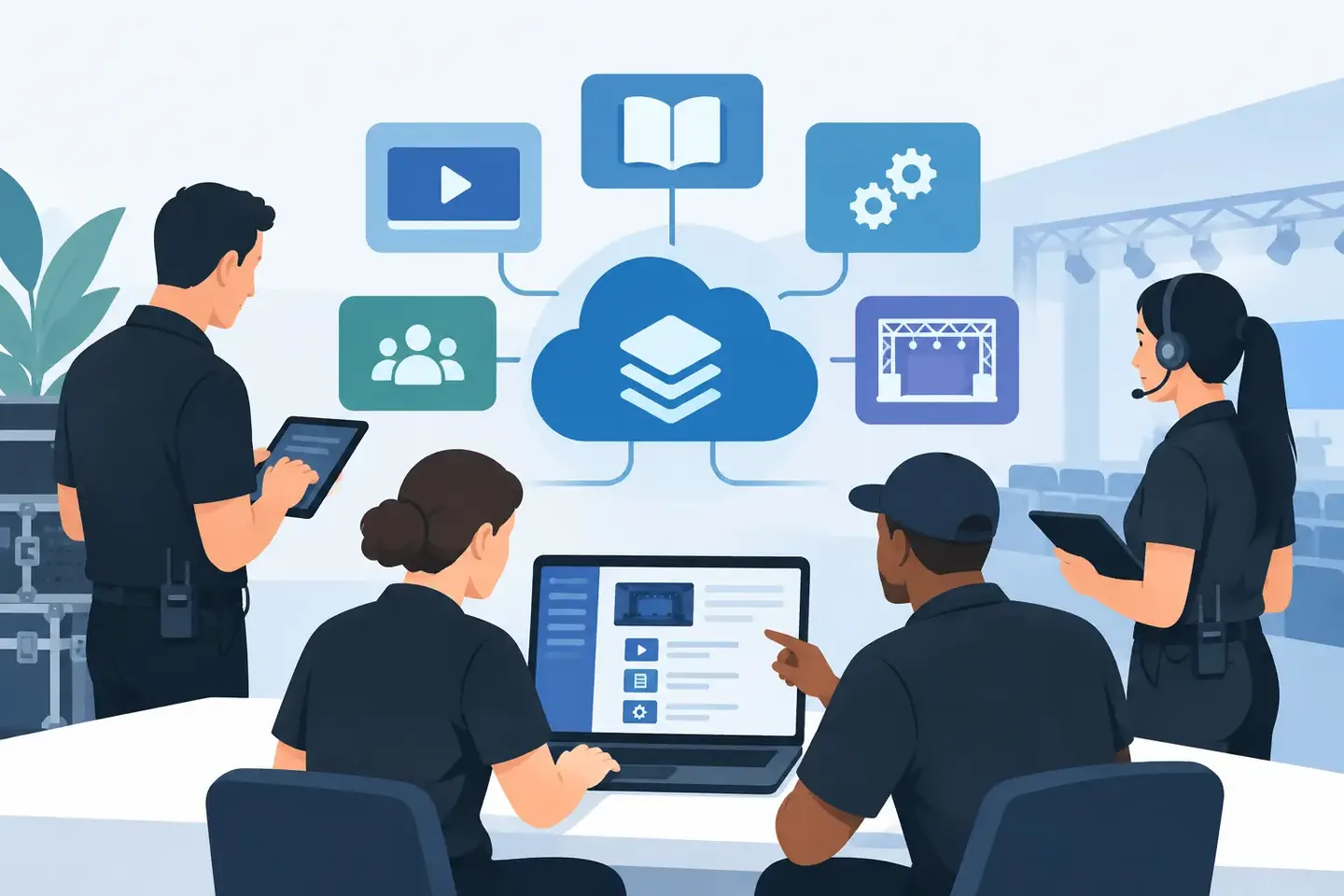
A guest engineer arrives for a one-off show and asks for last month’s vocal chain. The console file is somewhere, but the changes made during soundcheck are in a phone photo, a text thread, and the memory of a technician who is off that day. That is the gap AV knowledge platforms need to close.
For production teams, documentation is not an administrative task completed after the work is done. It is part of getting the next show, service call, broadcast, or room turnover right. If a crew cannot retrieve the setup quickly, the knowledge may as well not exist.
What an AV knowledge platform should solve
An AV knowledge platform is a searchable operating record for technical systems. It should capture what was configured, why it was configured that way, where the equipment was used, and how another qualified technician can reproduce the result.
That sounds straightforward until the system includes a digital console, stage boxes, wireless coordination, DSP, video routing, lighting control, networked endpoints, or room control. A single working setup can span dozens of decisions. Gain structure, phantom power, inserts, EQ, compression, buses, matrices, patching, scenes, labels, firmware versions, and operational notes all matter. The configuration is the system knowledge.
Most teams already document some of this information. The problem is that it is fragmented. Photos live in personal camera rolls. Console files are named inconsistently. Notes disappear into chat channels. Spreadsheets become outdated because updating them takes longer than taking another photo. When an experienced technician leaves, the team loses more than a person. It loses the context behind hundreds of technical decisions.
A useful platform turns those fragments into records people can find when they are standing at the rack, behind the console, or troubleshooting five minutes before doors.
AV knowledge platforms must fit the work
The best documentation process is not the one with the most fields. It is the one technicians will use after a long call, during a fast changeover, or while chasing a fault.
That means capture has to begin with the tools crews already have. A photo of a console screen, amplifier panel, DSP page, patch bay, or rack label is often the fastest accurate starting point. The platform should turn that image into structured information without forcing the technician to retype every visible value.
Natural-language notes matter just as much. A record should answer questions a photo cannot: Why was this input padded? Why is the delay changed for this room mode? Why is the video router using a nonstandard destination label? What was checked when the dropout occurred? Those details turn a snapshot into something another person can act on.
The workflow should be simple: create a setup, add photos or screenshots, add the context that matters, and let the system organize it into searchable records. Later, a technician should be able to search for a room, device, console, client, show, signal path, or problem description and get to the relevant information quickly.
If documentation requires a laptop, a rigid template, and twenty minutes of cleanup before it becomes useful, crews will bypass it when time is tight. That is not a discipline problem. It is a workflow design problem.
Search has to work like a technician thinks
Technicians do not always remember the official project name. They remember the practical clue: “the corporate ballroom with the Avid console,” “the stream where the lav was routed to mix 7,” or “the Dante setup used for the overflow room.”
A strong search system supports that reality. It should retrieve information from equipment names, labels, operational notes, locations, setup dates, and visible configuration details. It should make records useful even when the original naming was imperfect.
This is where structured capture and plain-language search work together. Structure keeps the information reliable. Natural language makes it retrievable under real conditions. Teams need both.
The difference between a file repository and operational knowledge
A folder of console files is valuable, but it is not a complete knowledge system. A file tells you what was saved at a specific point. It may not tell you which scene was actually used, what changed after the save, whether the patch depended on an external device, or whether the setup was verified after a firmware update.
Likewise, a photo archive is not enough. Photos preserve evidence, but without labels, context, and search, finding the right one becomes a manual scavenger hunt.
Operational knowledge connects the source material to the job it supports. It records the device configuration, the setup environment, the exceptions, and the notes needed for reuse. It also preserves confidence: someone opening the record should know whether it is a tested baseline, a work in progress, or an emergency workaround.
That distinction matters most during handoffs. A venue technician may know the room by instinct. A freelance engineer, a new employee, or an after-hours support technician does not have that advantage. Clear records reduce dependence on the one person who has “done it before.”
Where teams get the fastest return
The immediate value is usually rebuild time. When a recurring event returns, a technician should not have to reconstruct routing, channel processing, monitor sends, or room-specific adjustments from scratch. A searchable record gets the team to a known starting point faster.
Troubleshooting is the next major gain. A current configuration can be compared with a known-good one. If a device was replaced, moved, reset, or updated, the previous record gives the crew something concrete to verify. This does not eliminate diagnosis, but it stops the team from guessing at basic setup details.
There is also a less visible benefit: fewer interruptions. Senior staff are often asked the same questions because the answer is trapped in their experience or their phone. A shared knowledge base lets experienced people document an answer once and lets the team reuse it without waiting for a reply.
For rental companies and integrators, this can improve consistency across technicians and locations. For houses of worship, it protects continuity between volunteers and staff. For broadcast operations, it creates a clearer trail when technical changes affect repeatable workflows. The exact setup varies, but the operational need is the same: preserve what worked.
What to look for before adopting a platform
Not every team needs the same level of structure. A small venue with a stable system may prioritize fast mobile capture and quick retrieval. A broadcast facility may need detailed records, permissions, standardized naming, and stronger change tracking. A production company working across many client sites may care most about device independence and project-based organization.
Still, a platform should pass a practical test. Can a technician document a configuration from the field? Can another technician find it using incomplete but relevant information? Can the record include both structured settings and the explanation behind them? Can the team access the same current record without passing files around?
It should also be manufacturer-independent. Real systems are mixed systems. A documentation layer that only understands one console brand or one device category creates a new set of gaps. The useful record often crosses audio, video, lighting, networking, control, and IT.
AI can help here, but only when it reduces work. Turning screenshots and photos into searchable configuration data is useful. Auto-organizing records is useful. Making a technician fight an AI-generated template that misses the actual signal flow is not. The operator remains responsible for the system. The platform should make that operator faster and better informed.
Build records around repeatable moments
Start with the setups your team repeats or struggles to recover: recurring rooms, common console packages, broadcast positions, touring templates, problem devices, and client systems with unusual routing. Do not wait for a perfect documentation project. Capture the next setup while the details are visible and the context is fresh.
Give every record enough identity to be found again: location or project, equipment, date, operator, and a clear purpose. Then add the details that would prevent a mistake on the next call. That might be a screenshot of the routing page, a photo of amplifier settings, or a note explaining why a scene must not be recalled during a live segment.
ConfigMind is built around this field-ready approach: capture technical evidence quickly, organize it into a persistent record, and retrieve it without digging through old photos, chats, and spreadsheets.
The goal is not to create documentation for its own sake. The goal is to make the next technician more certain, more prepared, and less likely to rebuild a known solution under pressure. Every setup worth getting right once is worth being able to find again.
Document your setups digitally
ConfigMind helps audio, video and broadcast technicians document, plan, and hand over installations in a structured way. Get in touch for a demo.