Audio Equipment Asset Documentation That Works
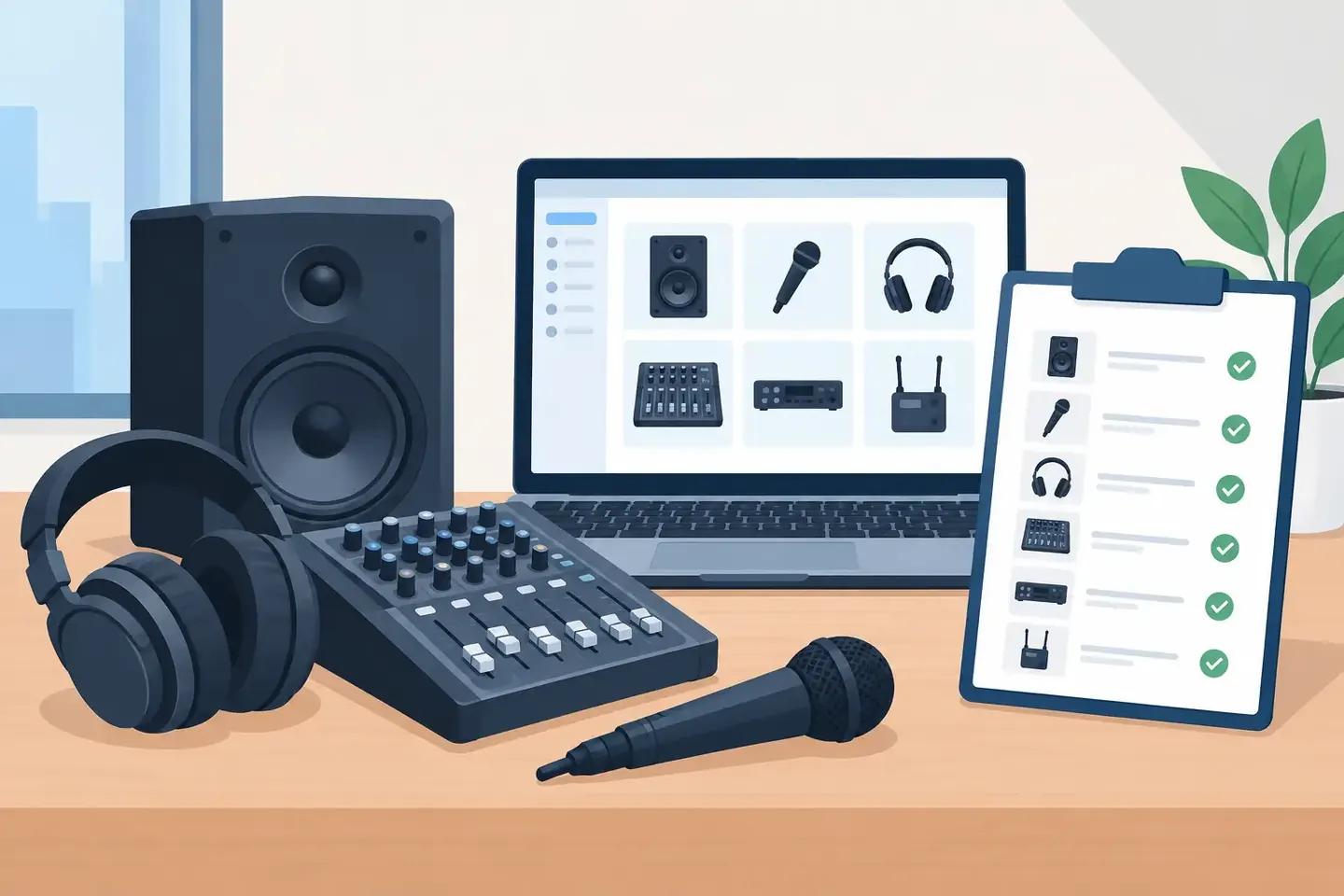
A console can power up with every channel labeled correctly and still be one wrong recall away from a bad day. The physical gear may be in the rack, but the information that makes it usable - routing, patching, gain structure, scene intent, firmware, and last-known working settings - is often scattered across photos, texts, paper, and someone’s memory. Audio equipment asset documentation closes that gap.
For working crews, documentation is not administrative cleanup. It is a recovery tool. It tells the next engineer what is installed, how it was configured, why a choice was made, and what must not change before doors. When a venue changes staff, a rental package returns, or a touring show comes back six months later, that record determines whether the rebuild takes minutes or hours.
What audio equipment asset documentation should capture
An asset list alone is not enough. A spreadsheet that says a venue owns an M32, a stagebox, and 24 wireless channels answers a purchasing question. It does not help an A1 rebuild a show, troubleshoot an intermittent input, or hand a system to a freelance operator.
Useful documentation connects the physical asset to its operational state. For a digital console, that means the console model, location, firmware version, show file or scene reference, stagebox assignments, network details, and the people or productions associated with the setup. It also means the settings that are easy to lose and painful to recreate: channel gains, phantom power, inserts, EQ, dynamics, buses, matrices, DCAs, routing, and cue notes.
For a wireless rack, the asset record should go beyond serial numbers. Capture frequency coordination, antenna distribution, assigned transmitters, battery workflow, scan conditions, firmware, and known problem channels. For a DSP, amplifier, or network switch, document its physical location, IP information, ports, signal path, configuration version, and dependencies.
The record needs enough context that another qualified technician can make a safe decision. That is the standard. If the note only makes sense to the person who wrote it, it is not yet operational documentation.
The minimum useful record
Every critical audio asset should answer four questions: what is it, where is it, how is it configured, and what happened to it last. The last question is often ignored until something fails.
A practical record generally includes:
- Asset identity: manufacturer, model, serial number, internal asset tag, and owner or department.
- Physical and signal location: rack position, room, stage position, patch point, network connection, or storage case.
- Current configuration: firmware, console file or scene, routing, device settings, and configuration date.
- Service and operational history: repairs, recurring faults, calibration, replacement parts, and production notes.
Not every microphone needs a full routing narrative. Not every console can survive with a serial number and a photo. The level of detail depends on the risk of getting it wrong, the frequency of change, and the cost of a slow recovery.
Why photos and spreadsheets fail under pressure
Phone photos are fast at the moment of capture. They are also poor records. A photo of a console screen may show a compressor threshold, but not the channel name, scene, source, or reason for the setting. Six months later, searching a camera roll for “pastor lav channel 17 from Easter” is not a workflow.
Spreadsheets solve a different problem. They are useful for inventory, purchase dates, replacement planning, and broad asset tracking. They become fragile when technicians need to record changing console states, routing changes, or show-specific exceptions. The more rigid the sheet becomes, the less likely it is to be updated at the console.
Chat threads have the opposite problem. They are easy to create but impossible to trust as a system of record. A message saying “moved podium mic to 12” may be correct for one rehearsal and wrong after the next patch change. It can also disappear beneath hundreds of unrelated messages.
Documentation fails when it asks crews to stop working and become data-entry clerks. The best process fits the actual moment: backstage, at front of house, in a machine room, or during a changeover. A technician should be able to speak or type, “Channel 17 is the lectern. Phantom on. High-pass at 100 Hz. Routed to matrix 2 for overflow. Do not recall the old conference scene,” and have that note become usable later.
Build records around recovery, not compliance
Start by identifying the assets and systems that create the biggest operational risk. In many environments, that is not every cable or passive DI. It is the console, stageboxes, wireless systems, DSPs, playback computers, network infrastructure, amplifiers, and the racks that tie them together.
Then document the configuration points that would slow down a replacement operator. Think in terms of the questions a technician asks at 7:15 p.m. when something is wrong: Which input is this? Where does it go? Is phantom supposed to be on? Which scene is safe? What changed since the last event? Who serviced this unit? What is the known workaround?
This approach prevents two common mistakes. The first is documenting only static inventory, which leaves live operational knowledge undocumented. The second is trying to capture every possible value on every asset, which produces records no one maintains.
A good rule is to document what cannot be confidently inferred from the gear in front of you. A labeled XLR panel reduces the need for a paragraph about patching. An unlabeled Dante switch with a nonstandard VLAN setup needs far more detail. A fixed-install console used by the same operator every week may need periodic snapshots. A touring console passed between crews needs a complete handoff record every time the system changes.
Capture change, not just the final state
The most valuable note is often the one that explains a deviation. “Input 8 moved from lectern to playback for client walk-in” matters because it explains why the standard patch no longer matches the room. “RX 4 has intermittent RF hits near stage left LED wall” matters because it saves the next crew from repeating the same test.
Record the date, the production or event, and the person who made a material change. That does not create blame. It creates traceability. When a scene behaves differently than expected, the team can distinguish a deliberate change from a mystery.
This is also where asset history becomes useful. A repaired amplifier, a recurring noisy preamp, or a network port that was reassigned during an expansion should not rely on word of mouth. Institutional knowledge is only institutional if the institution can retrieve it after people move on.
Make documentation searchable in technician language
Search changes the value of a record. A folder full of show files is technically archived, but it is not necessarily findable. The technician needs to search for terms that match the job: “Sunday vocal scene,” “ballroom overflow feed,” “Shure receiver 12,” “stage left RF issue,” or “Dante primary switch.”
That requires records with both structure and natural-language context. Structured fields make it possible to filter by model, location, asset tag, date, or production. Plain-language notes preserve the judgment that fields cannot capture, such as why a vocal channel was compressed unusually hard or why a matrix feed was delayed.
ConfigMind is built around this technician-first model. A crew can capture notes in natural language while working, then retrieve console settings, routing details, scenes, and operational context without digging through photos or messages. The goal is not to turn technicians into database managers. It is to make the knowledge they already create usable on the next call.
Offline access matters here. Many loading docks, backstage areas, temporary event sites, and machine rooms have unreliable connectivity. If documentation only works when the network is perfect, it will be missing when the work gets difficult. Capture locally, synchronize when connected, and make sure the team sees the same current record.
Set ownership and review points
Documentation needs an owner, but that does not mean one person should enter every note. The technical lead can define standards, naming conventions, and review cadence. The people touching the system should be able to add operational changes as they happen.
Review records at natural handoff points: after commissioning, before a recurring season, after a major console or firmware change, after a rental package returns, and following a failure that exposed a documentation gap. These checks are faster than a full audit because they focus on systems that changed.
Be careful with stale records. An old scene file marked “working” can be worse than no record if it sends an operator down the wrong path. Use dates, status labels, and clear notes such as “archived,” “superseded,” or “validated for current patch.” Accuracy is a maintenance habit, not a one-time migration project.
The practical test is simple: put a qualified technician in front of the system without the person who built it. If they can identify the gear, find the current configuration, understand the exceptions, and recover from a fault quickly, your documentation is doing its job. Capture the next important change while it is still fresh. That is how a setup becomes knowledge the whole crew can use.
Document your setups digitally
ConfigMind helps audio, video and broadcast technicians document, plan, and hand over installations in a structured way. Get in touch for a demo.